
Templates that make your reMarkable work the way you do.
Hundreds of beautifully designed templates for planning, note-taking, journaling, work, and study — installed natively on your tablet so they feel built-in.
What is a template?
A template is a single-page background that sits on the bottom layer of your reMarkable notebook — like the lines or grid you already use, but designed for a purpose: a daily planner, a meeting agenda, a habit tracker, and more. Once installed, you select it natively when creating a page, just like the built-in styles.

How to install them
Adding templates takes a couple of minutes with the Binder Cloud app — no technical skills needed.
Get your templates
Pick the templates you want below and download them instantly after checkout.
Open Binder Cloud
Connect your reMarkable to your computer and open the Binder Cloud app.
Install & go
Binder adds them to your tablet's template library — select them natively on any page.
Prefer multi-page PDFs you can import without an app? Check out our Digital Planners.
Not sure where to start?
These are our most popular templates — a great first pick.


Want them all? Get the Every Template Bundle.
Every template we sell, in one download. The simplest way to outfit your reMarkable for every part of your life — work, study, health, and home.
Get the Bundle
Browse all templates
Filter by category below to find exactly what fits your workflow.
-
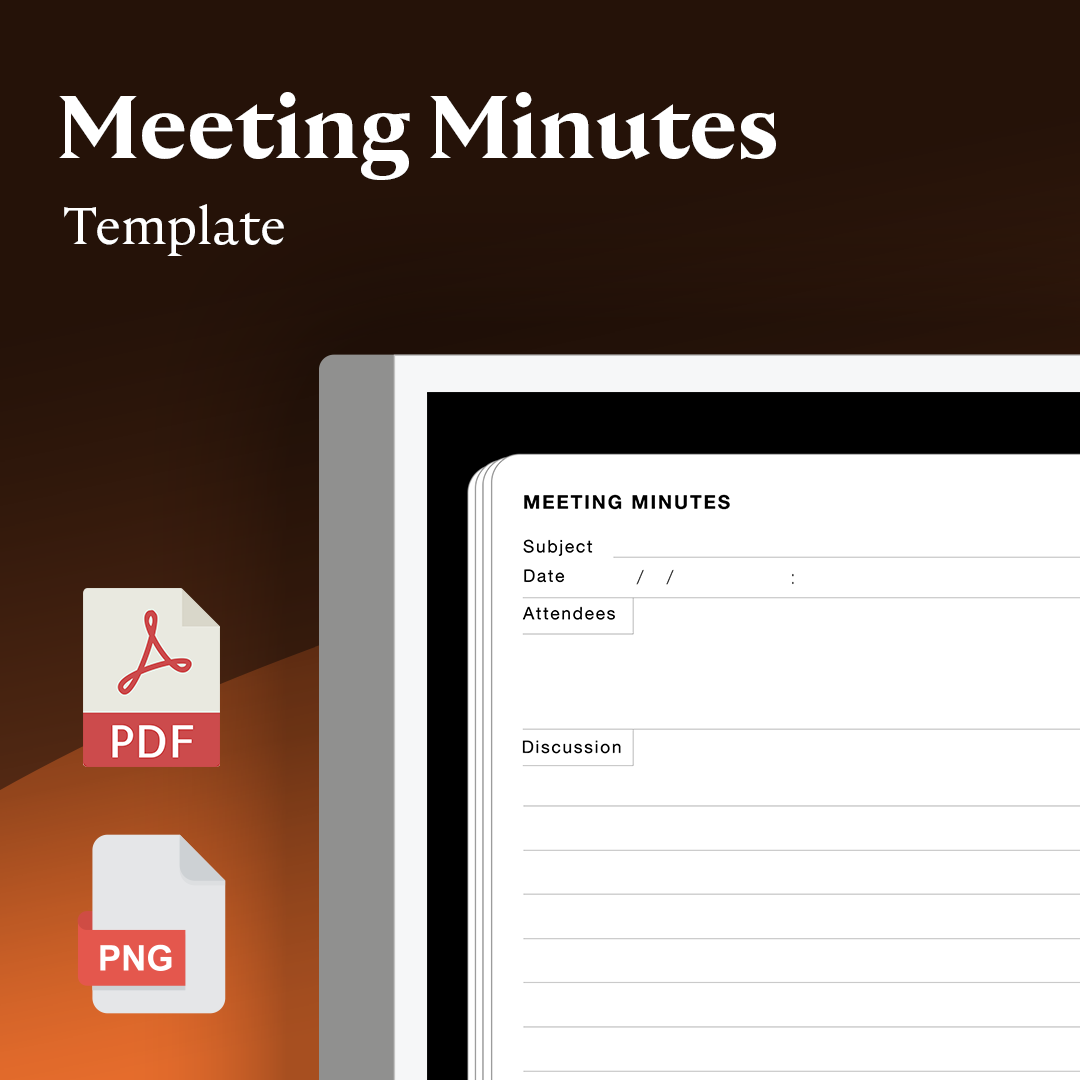
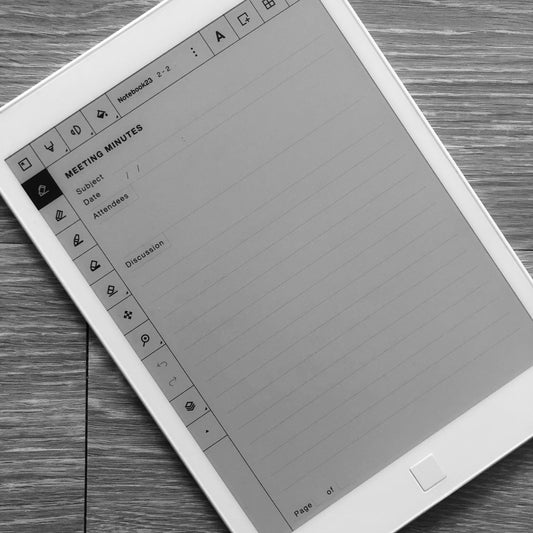
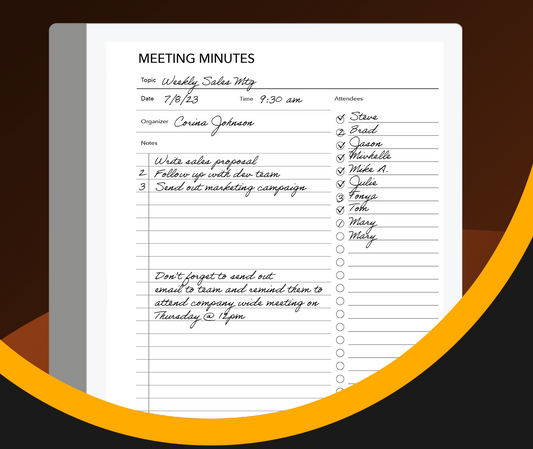
Verbale della riunione
Prezzo di listino $4.99 USDPrezzo di listino -
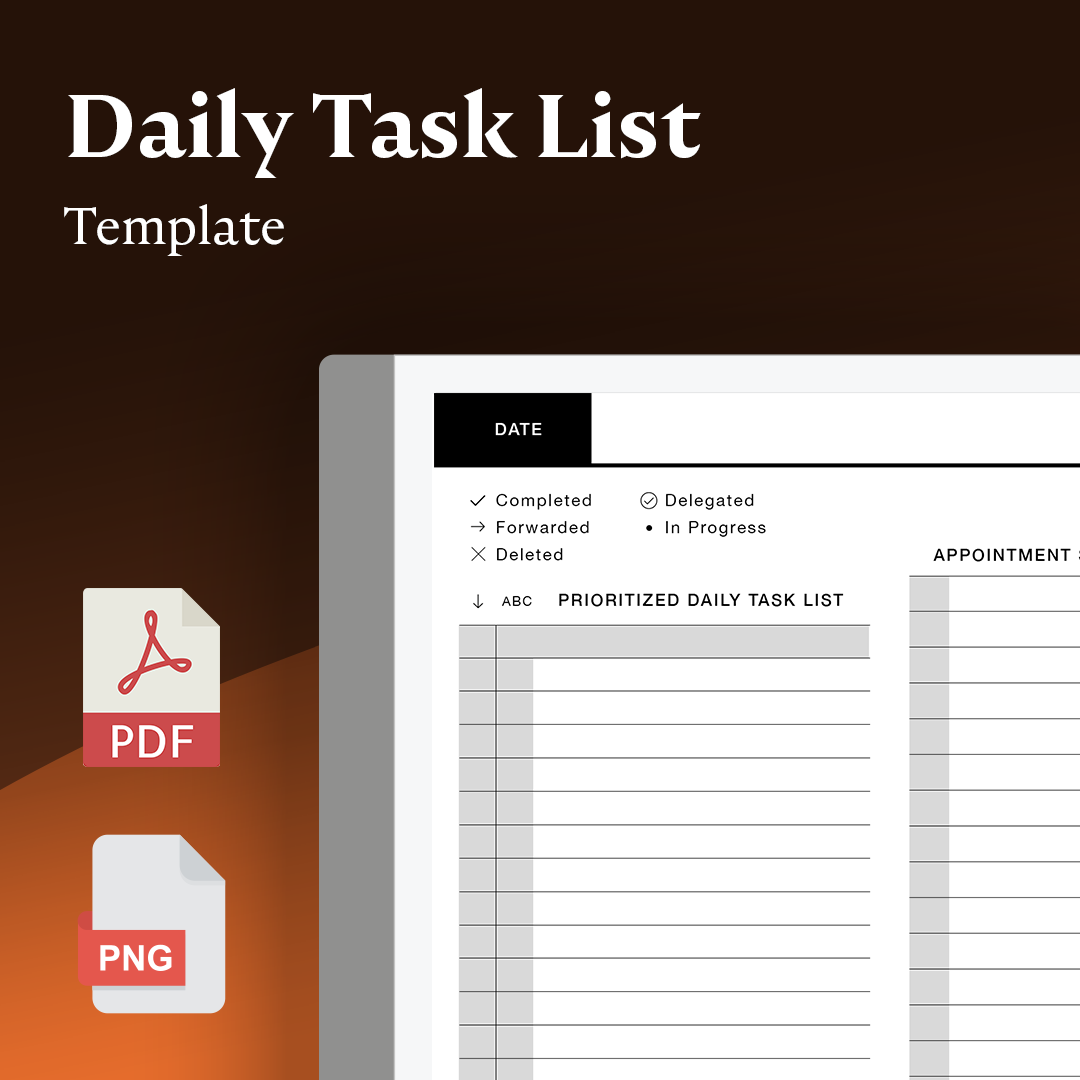
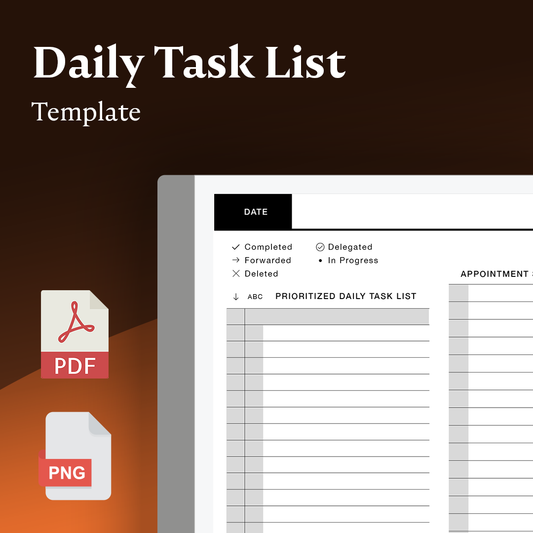
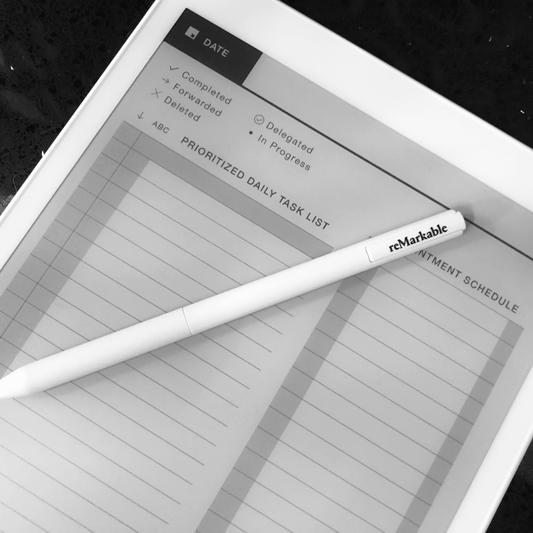
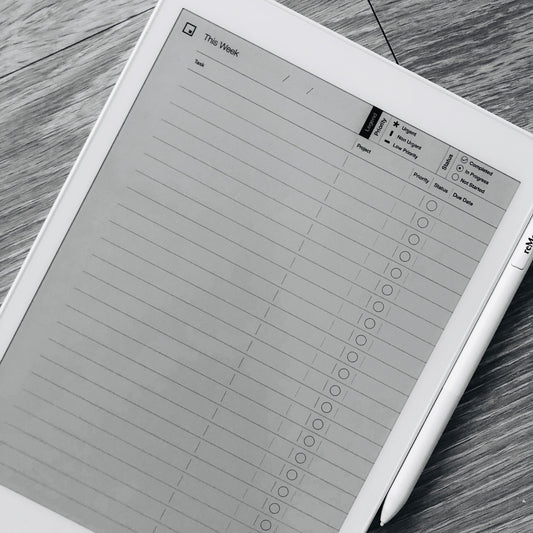
Elenco delle attività quotidiane
Prezzo di listino $4.99 USDPrezzo di listino -
Modello di monitoraggio delle attività giornaliere
Prezzo di listino $5.00 USDPrezzo di listino -
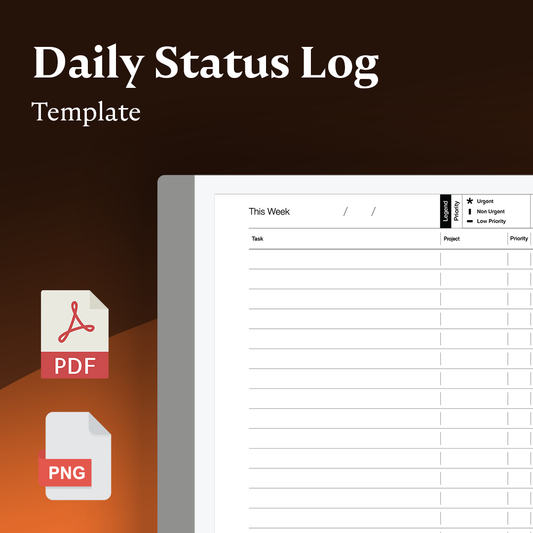
Modello di registro dello stato delle attività giornaliere
Prezzo di listino $4.99 USDPrezzo di listino -
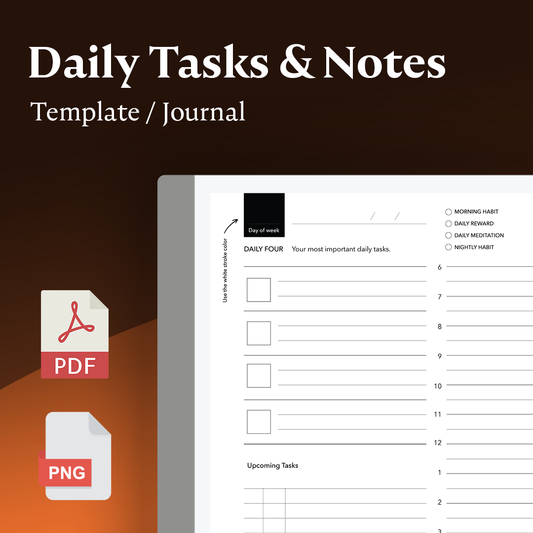
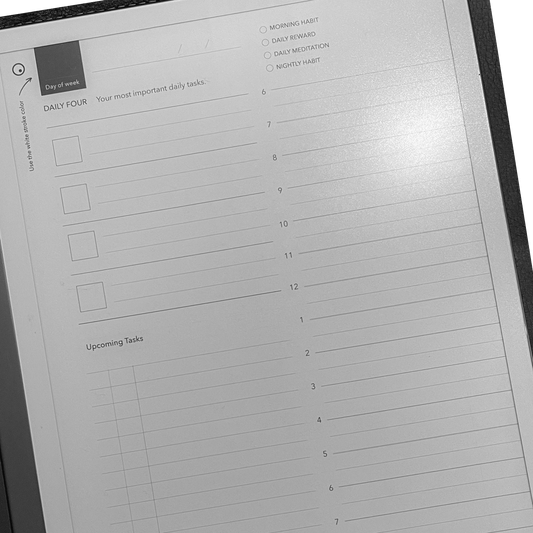
Attività e note quotidiane
Prezzo di listino $5.99 USDPrezzo di listino -
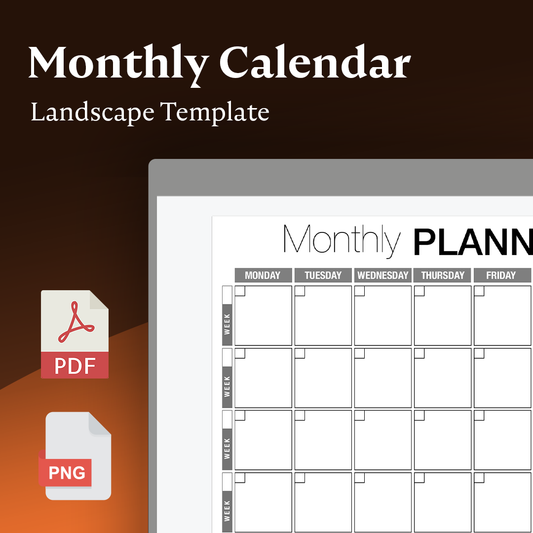
Modello orizzontale del calendario mensile
Prezzo di listino $4.99 USDPrezzo di listino -
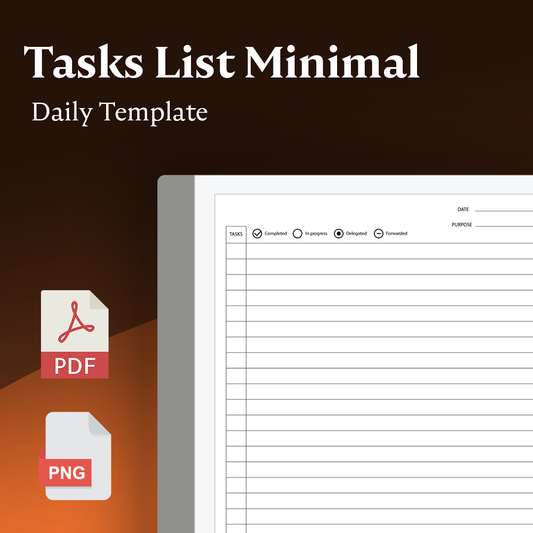
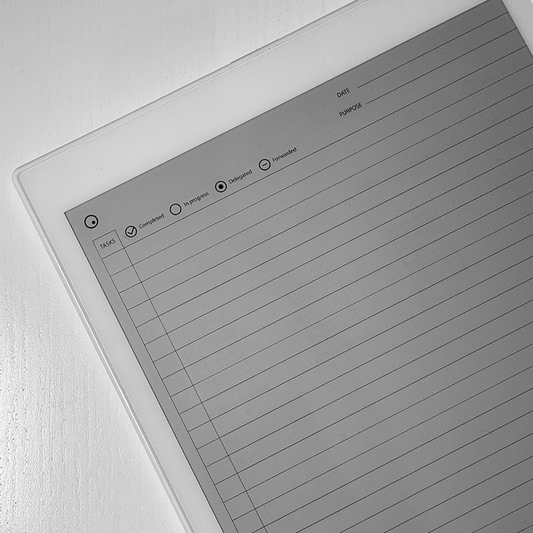
Elenco attività quotidiane minimo
Prezzo di listino $4.99 USDPrezzo di listino -
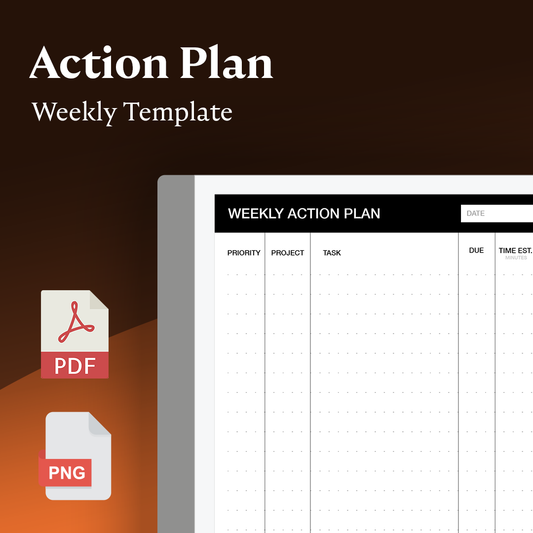
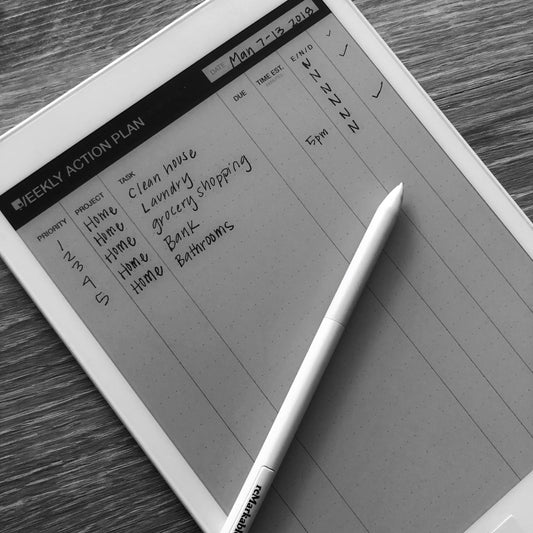
Modello del piano d'azione settimanale
Prezzo di listino $4.99 USDPrezzo di listino -
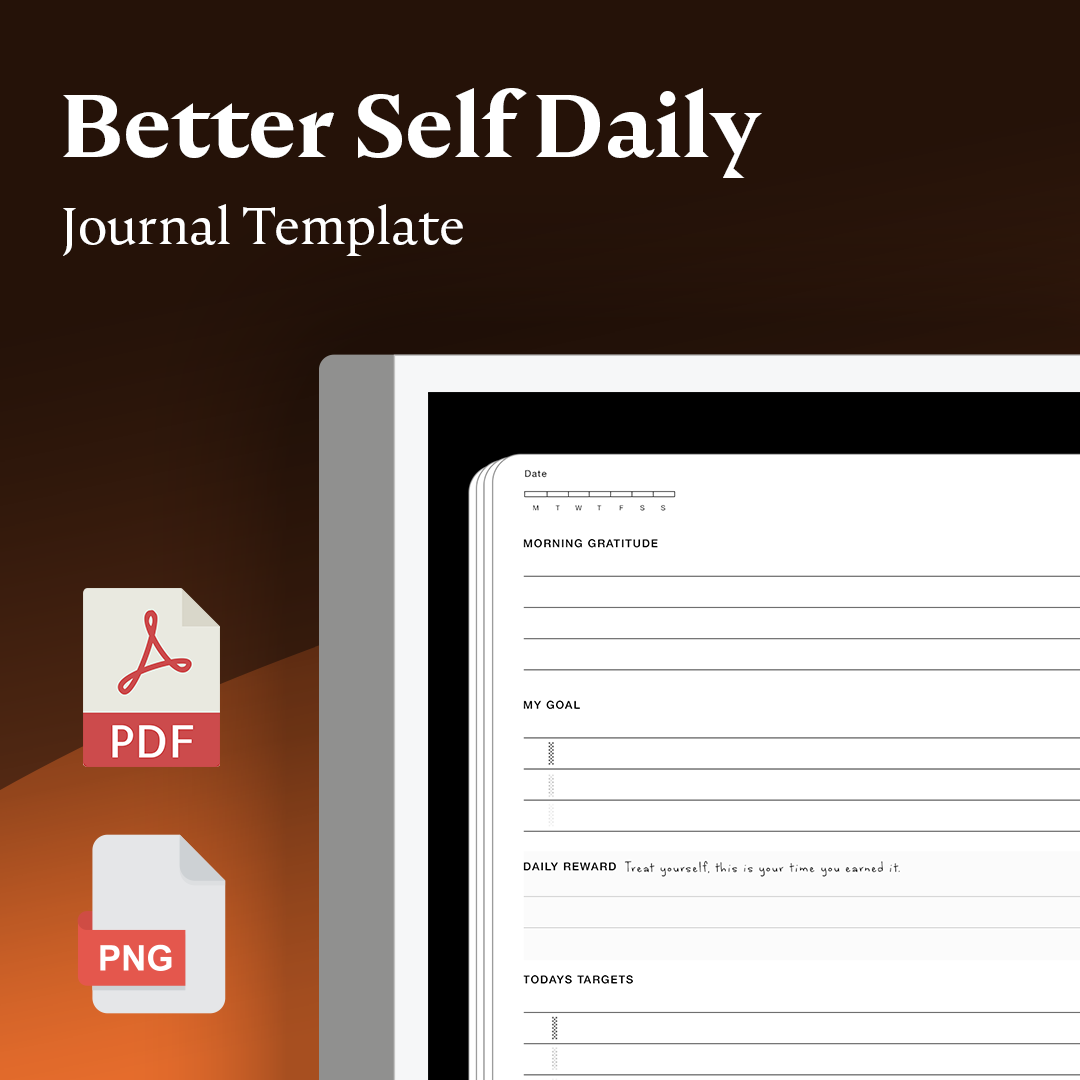
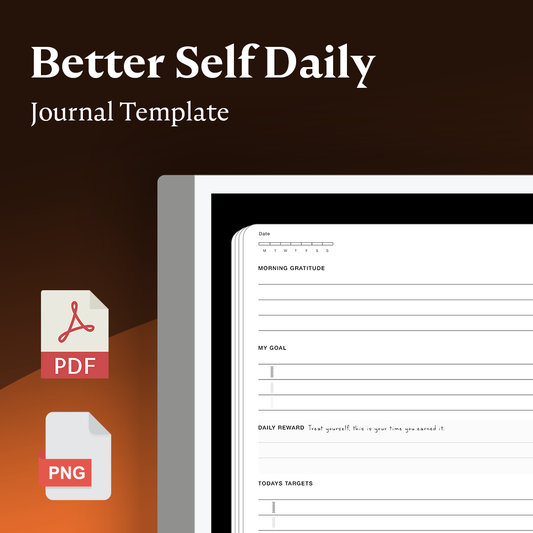
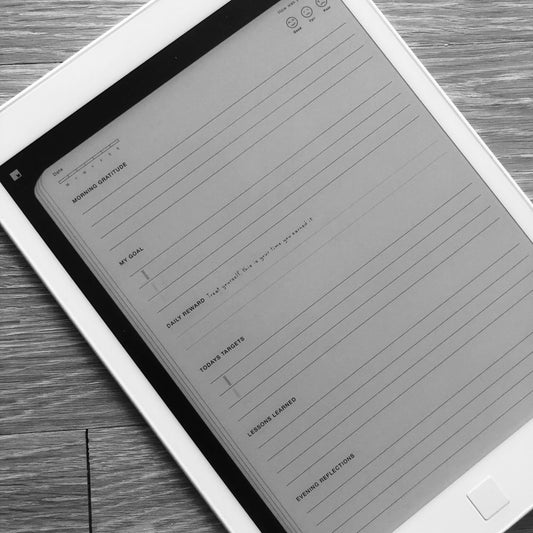
Migliore diario quotidiano di sé
Prezzo di listino $4.99 USDPrezzo di listino$0.00 USDPrezzo scontato $4.99 USD -
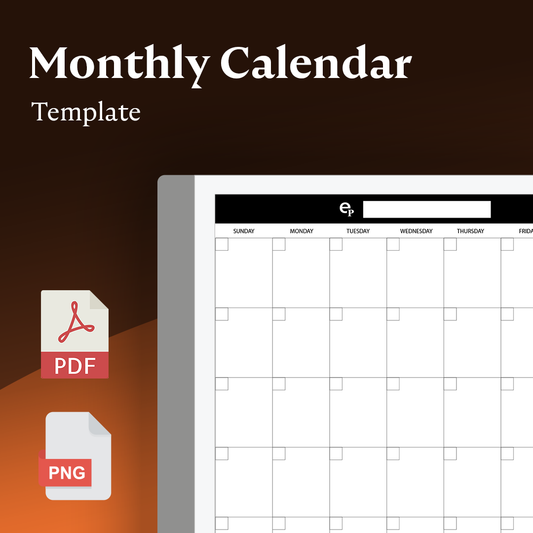
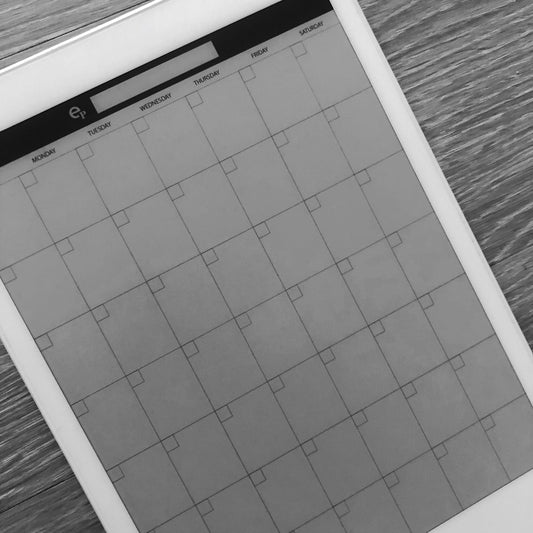
Calendario mensile - Pagina singola
Prezzo di listino $4.99 USDPrezzo di listino -
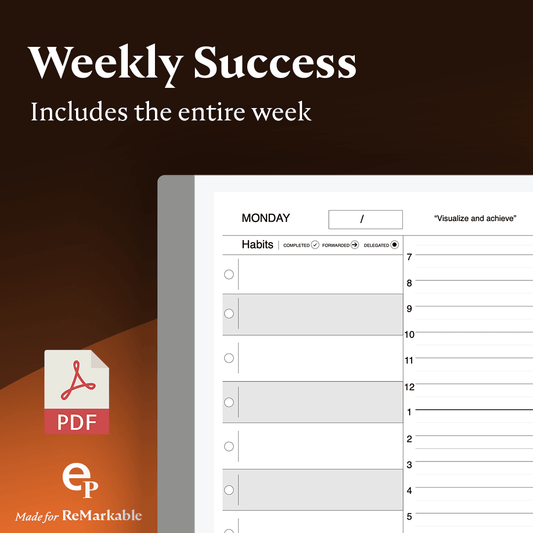
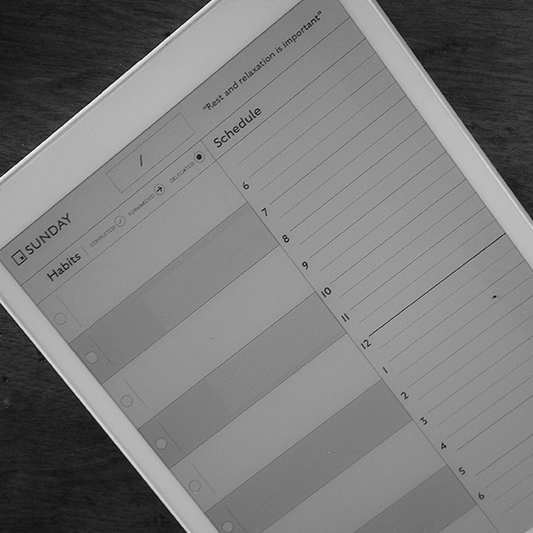
Pianificatore settimanale del successo
Prezzo di listino $5.99 USDPrezzo di listino -
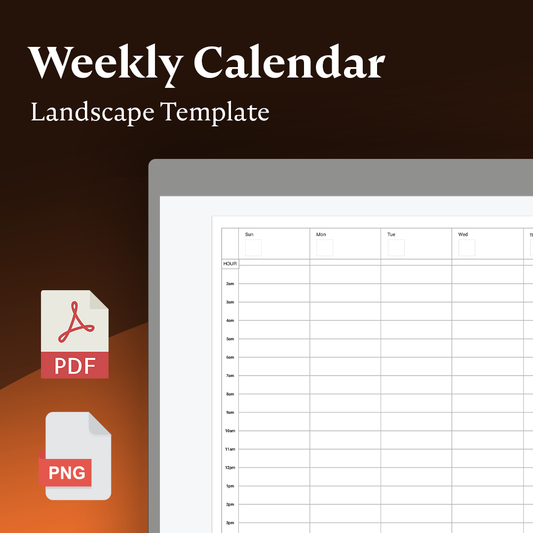
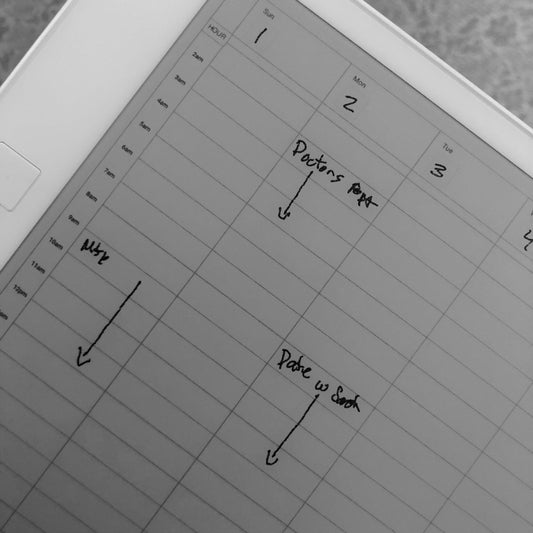
Calendario settimanale
Prezzo di listino $4.99 USDPrezzo di listino -
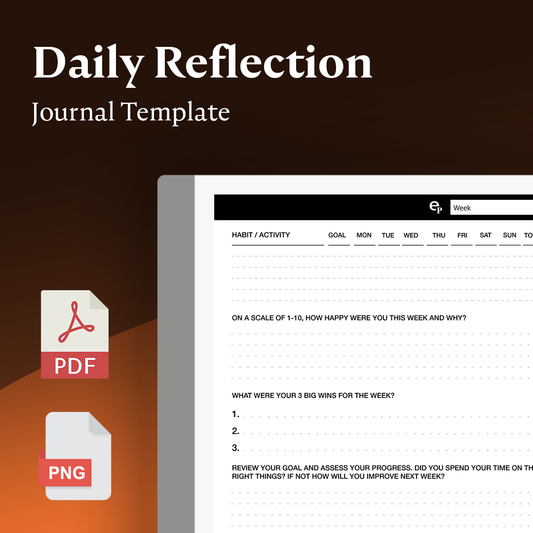
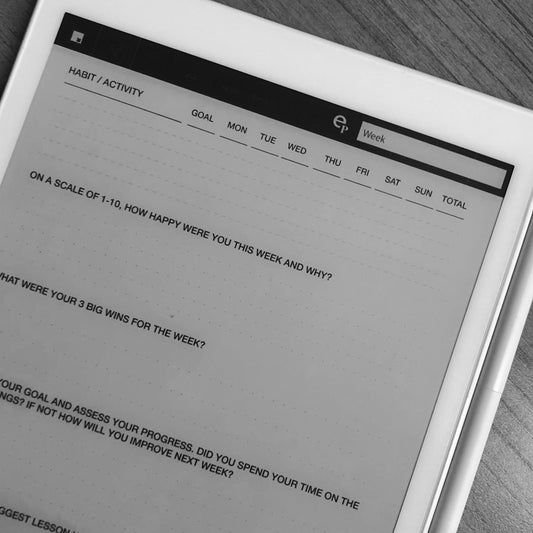
Modello per diario di riflessione quotidiana
Prezzo di listino $4.99 USDPrezzo di listino -
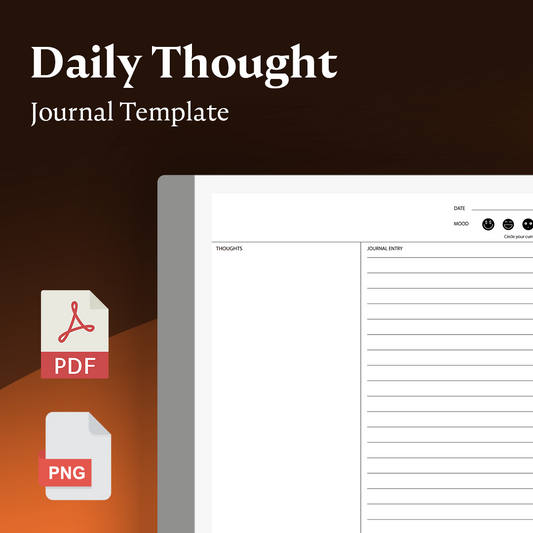
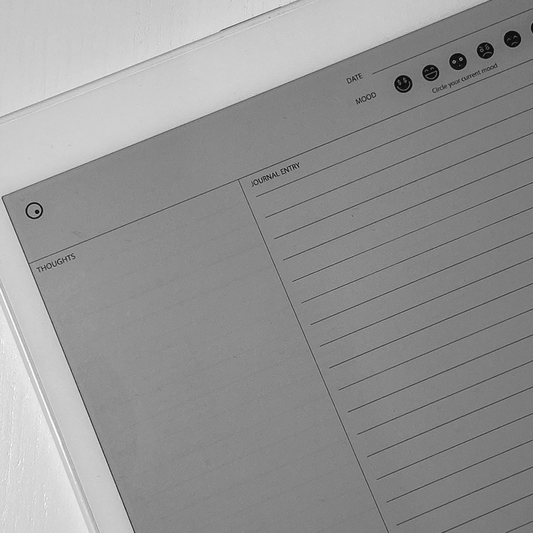
Diario quotidiano del pensiero
Prezzo di listino $2.99 USDPrezzo di listino -
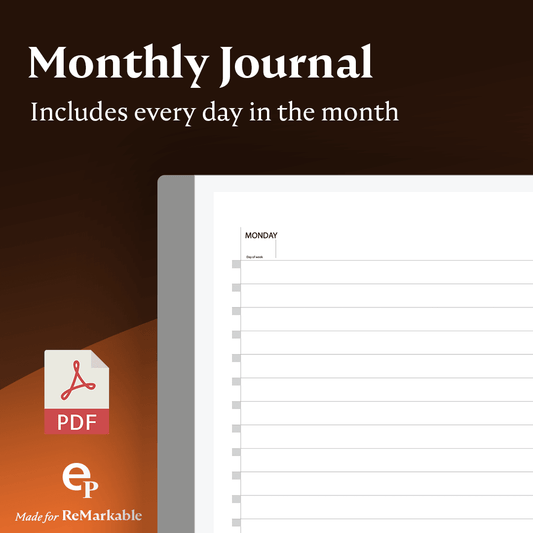
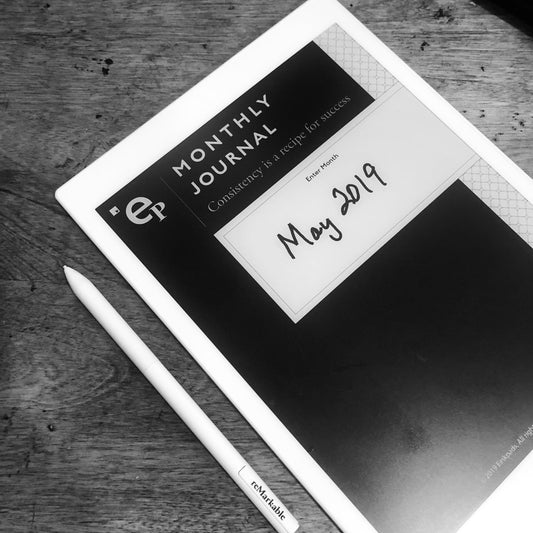
Giornale mensile
Prezzo di listino $5.99 USDPrezzo di listino -
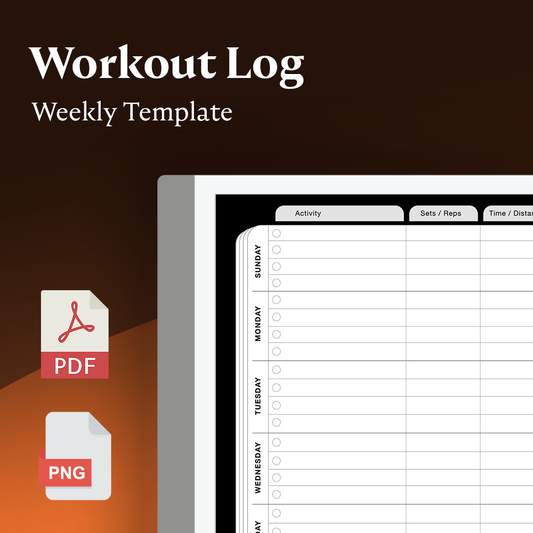
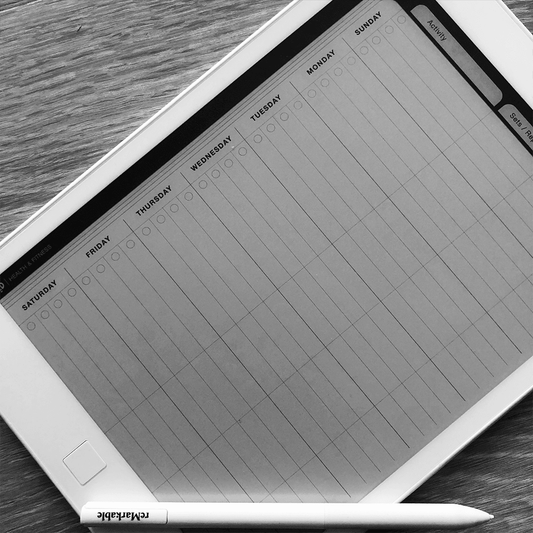
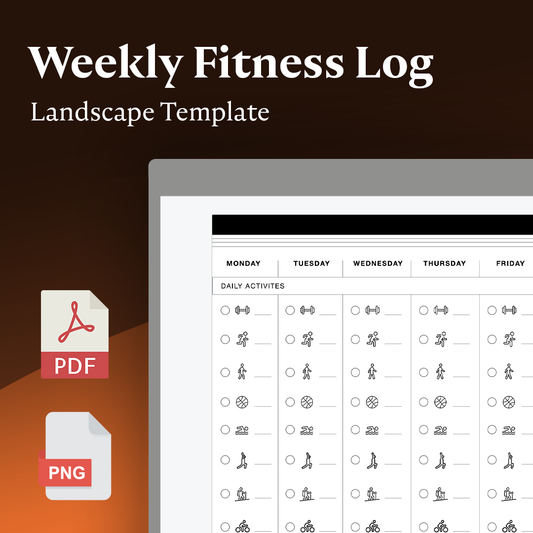
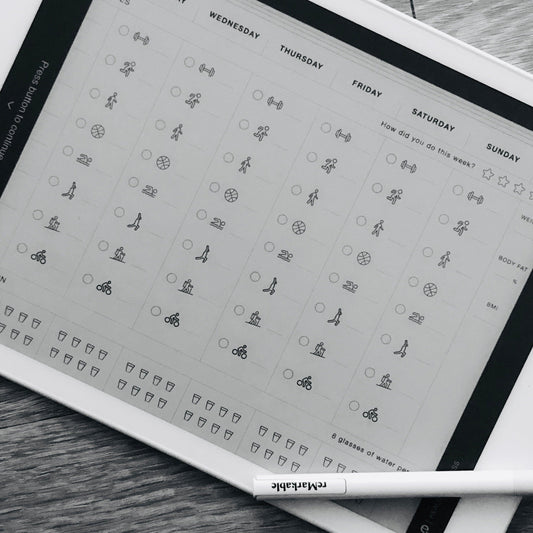
Registro degli allenamenti settimanali
Prezzo di listino $4.99 USDPrezzo di listino -
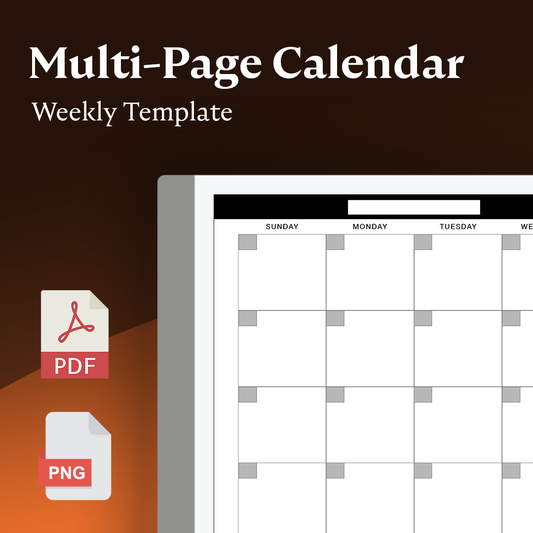
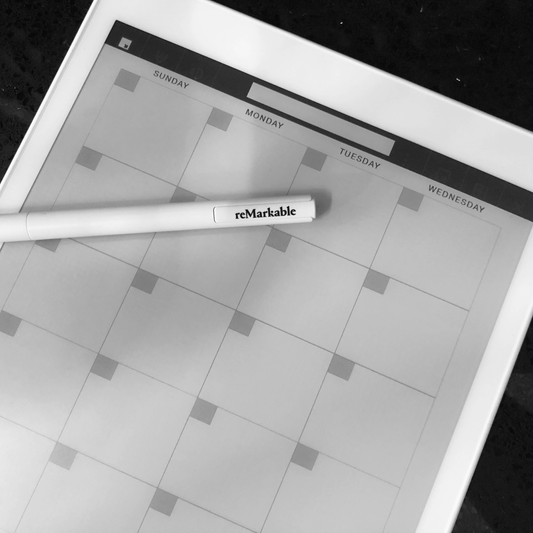
Calendario settimanale multipagina
Prezzo di listino $4.99 USDPrezzo di listino -
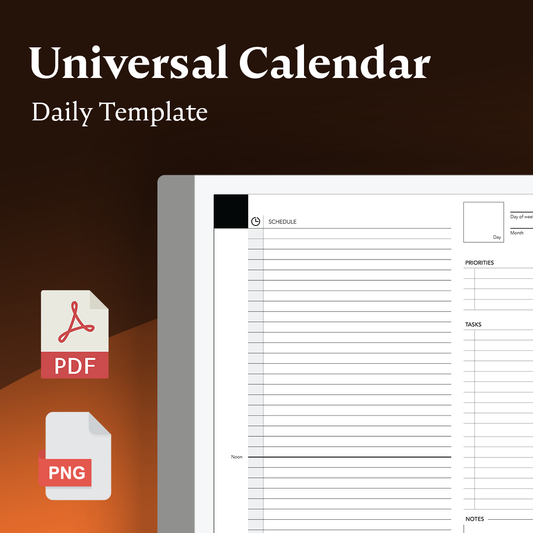
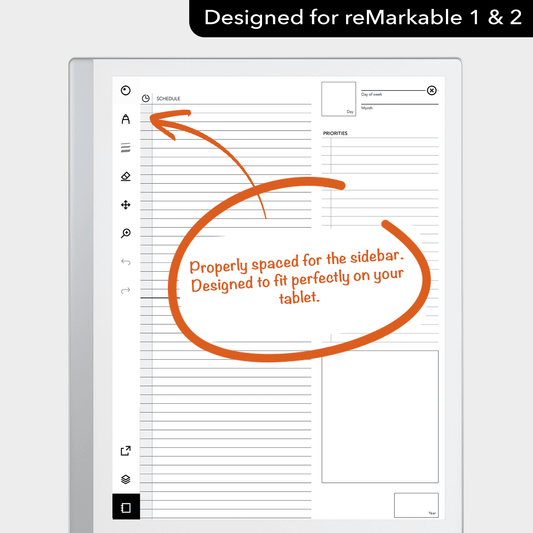
Calendario giornaliero universale
Prezzo di listino $4.99 USDPrezzo di listino -
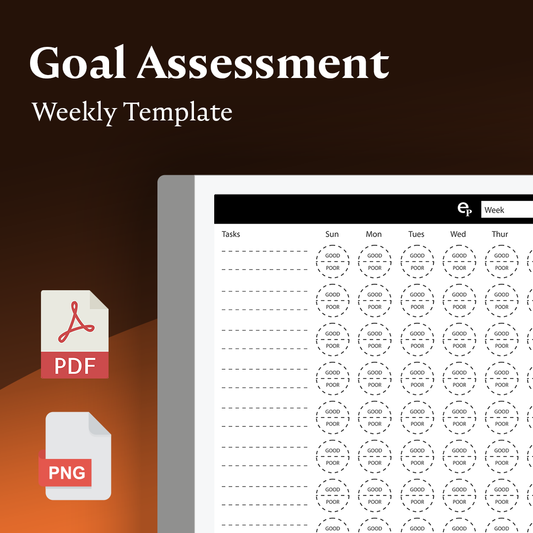
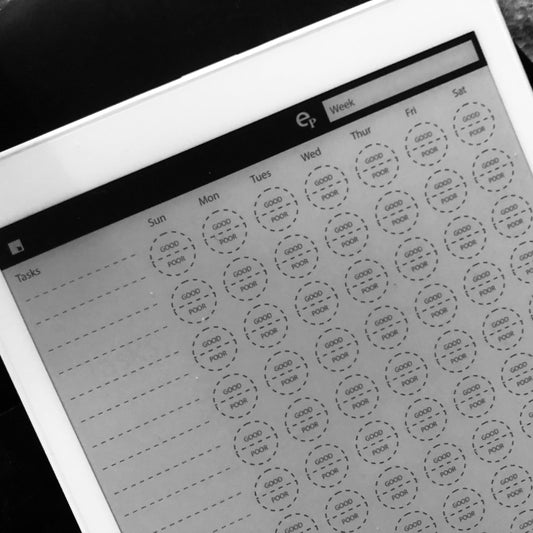
Modello di valutazione degli obiettivi settimanali
Prezzo di listino $4.99 USDPrezzo di listino -
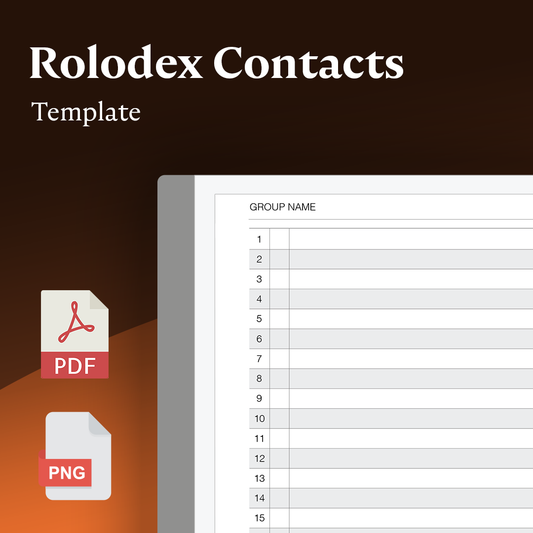
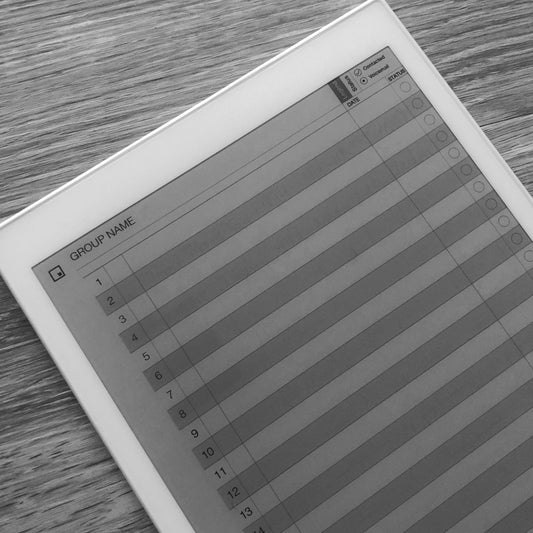
Elenco contatti Rolodex
Prezzo di listino $4.99 USDPrezzo di listino -
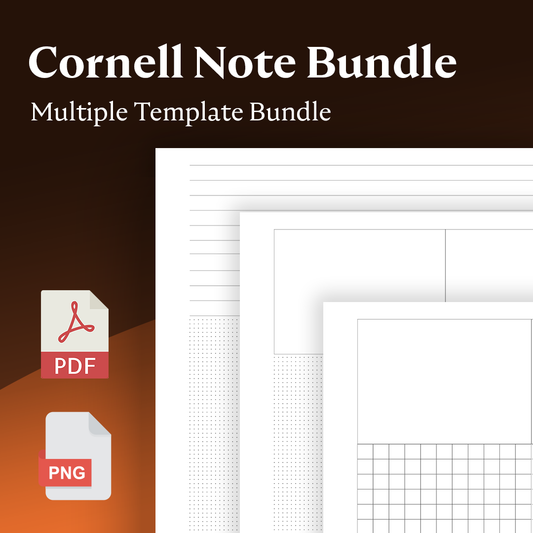
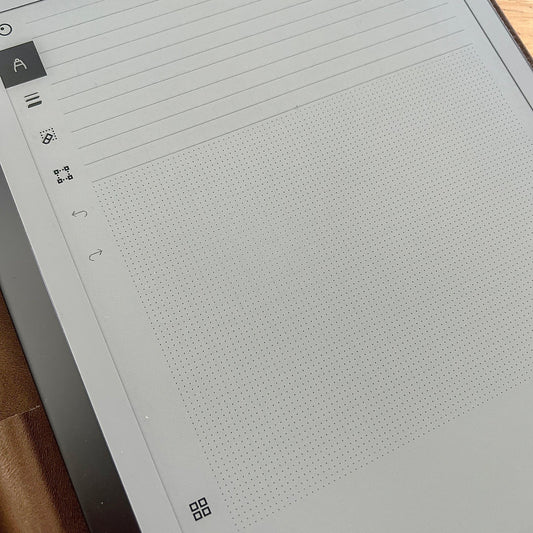
Pacchetto di note di Cornell
Prezzo di listino $4.99 USDPrezzo di listino -
Modello di monitoraggio del cliente
Prezzo di listino $4.99 USDPrezzo di listino -
Registro settimanale dell'attività fisica
Prezzo di listino $4.99 USDPrezzo di listino -
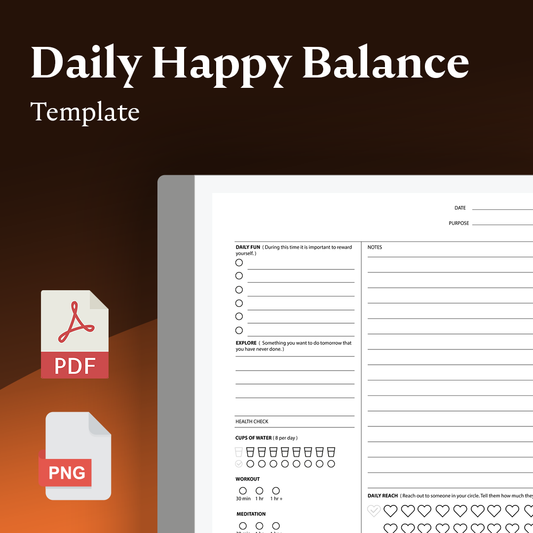
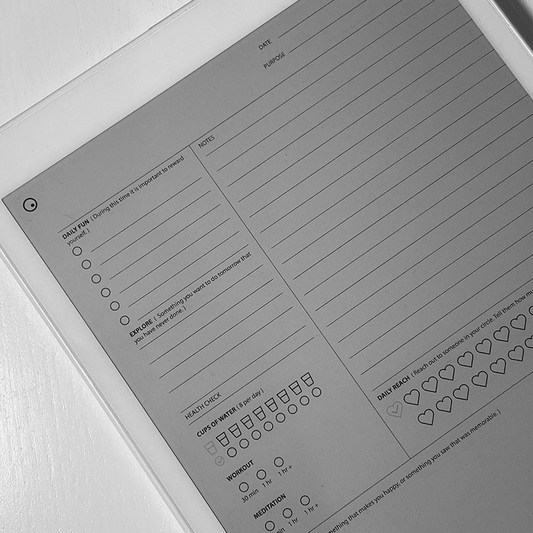
Bilancio felice quotidiano
Prezzo di listino $4.99 USDPrezzo di listino -
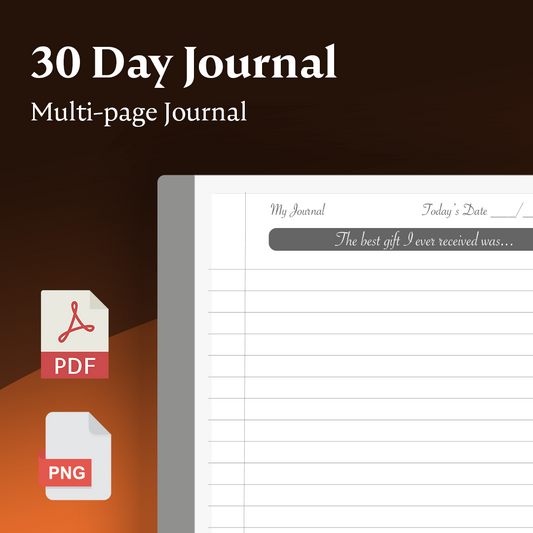
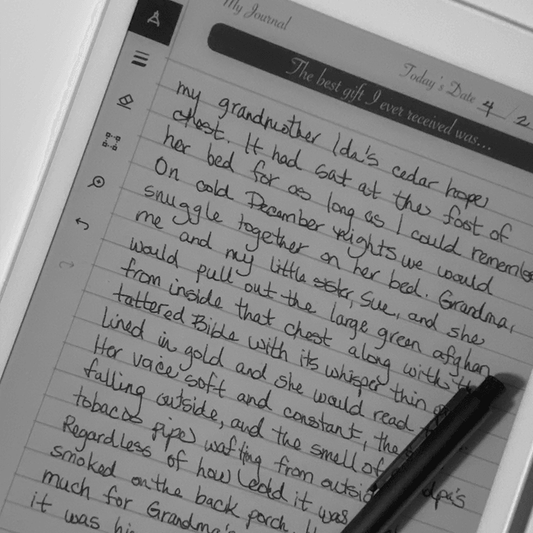
30 giorni di suggerimenti del diario
Prezzo di listino $4.99 USDPrezzo di listino$0.00 USDPrezzo scontato $4.99 USD -
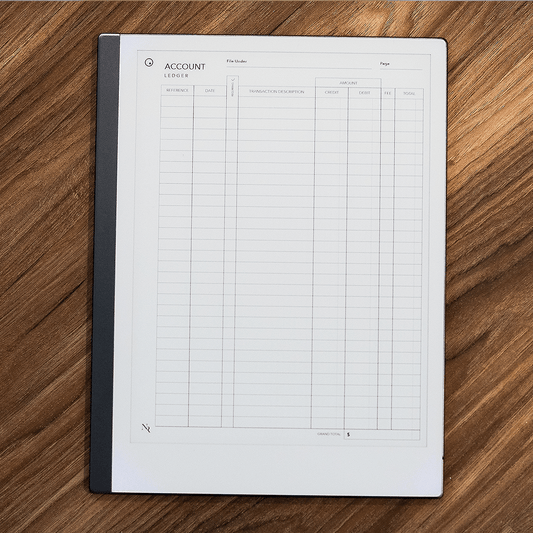
Modello di registro dei conti
Prezzo di listino $4.99 USDPrezzo di listino -
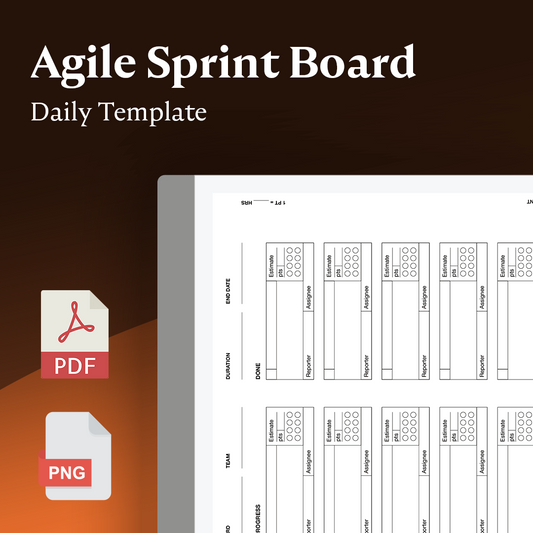
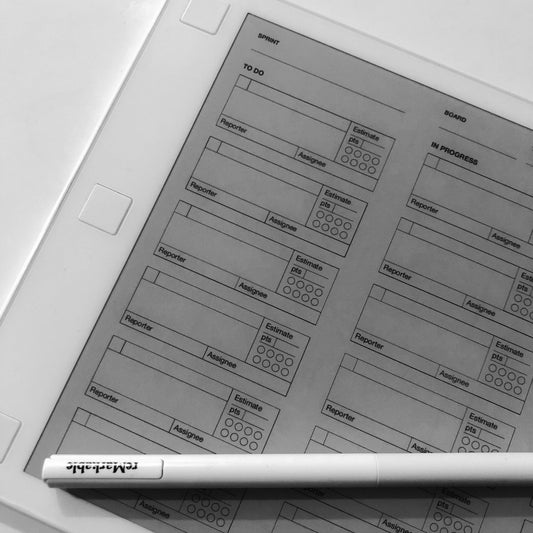
Tavola Sprint Agile
Prezzo di listino $4.99 USDPrezzo di listino$0.00 USDPrezzo scontato $4.99 USD -
Verbali della riunione: attività e partecipanti
Prezzo di listino $4.99 USDPrezzo di listino -
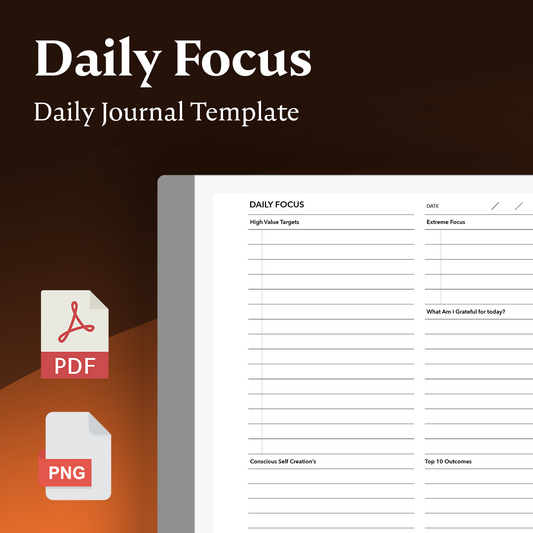
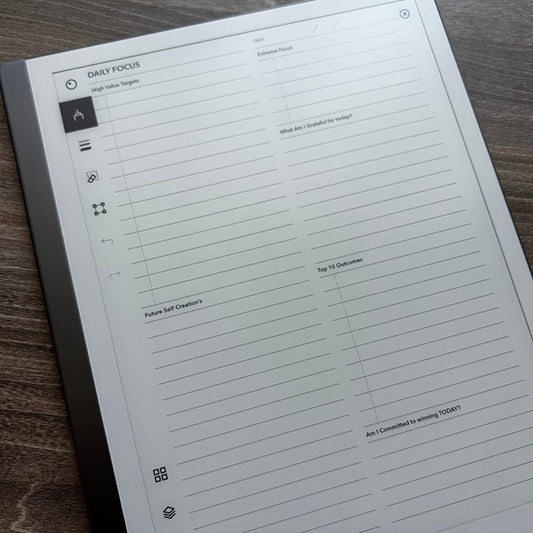
Diario del focus quotidiano
Prezzo di listino $4.99 USDPrezzo di listino -
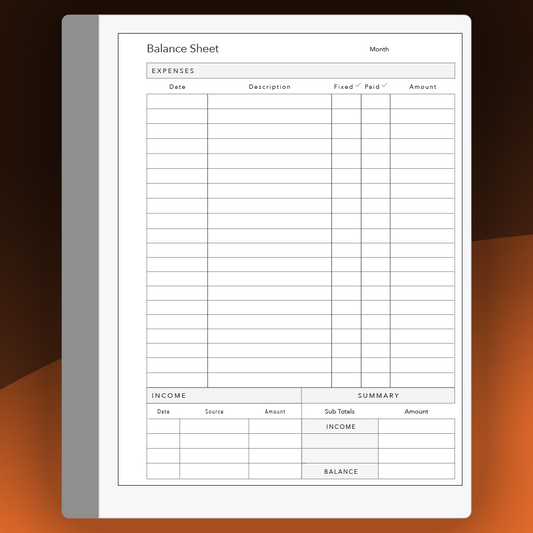
Balance Sheet
Prezzo di listino $4.99 USDPrezzo di listino -
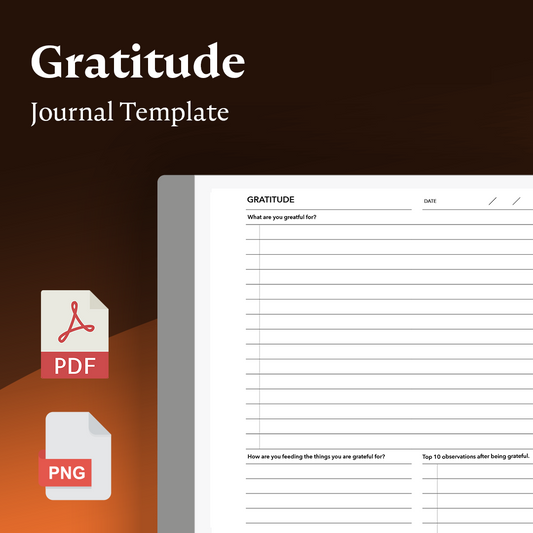
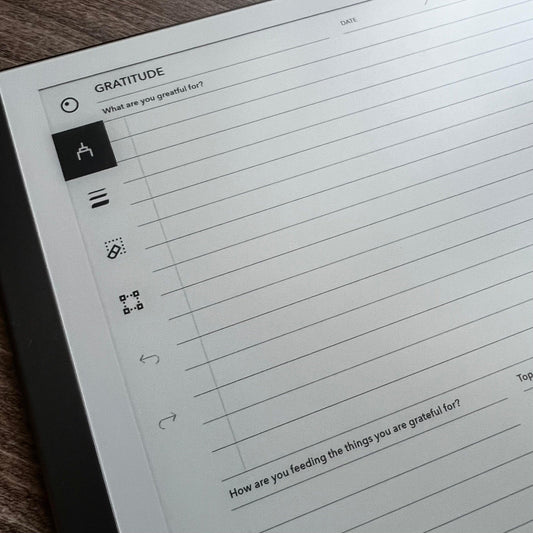
Diario quotidiano della gratitudine
Prezzo di listino $4.99 USDPrezzo di listino -
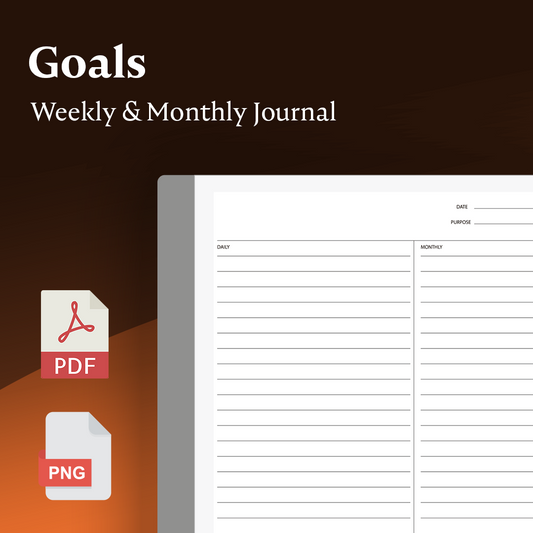
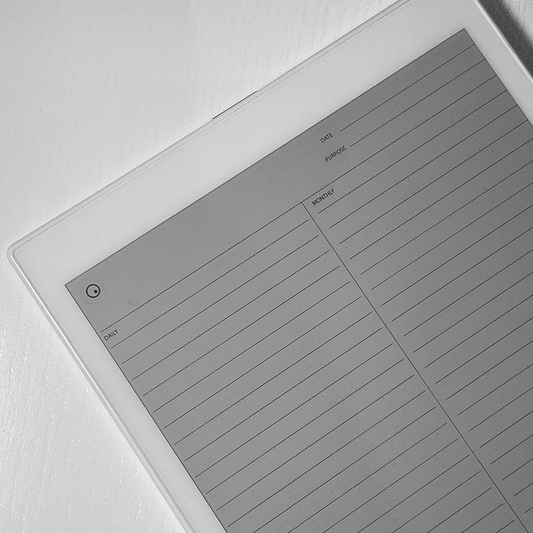
Obiettivi settimanali e mensili
Prezzo di listino $4.99 USDPrezzo di listino -
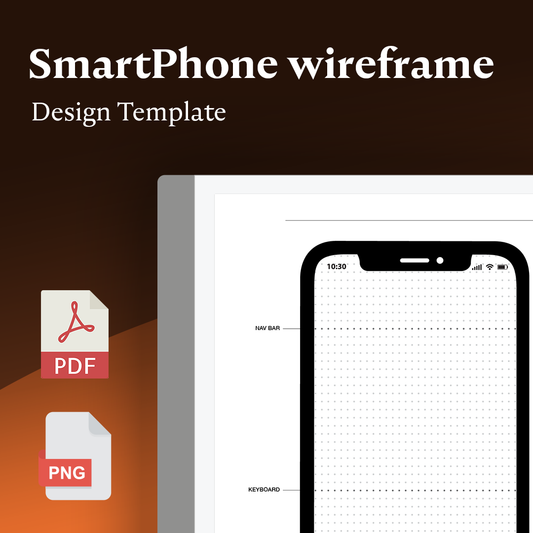
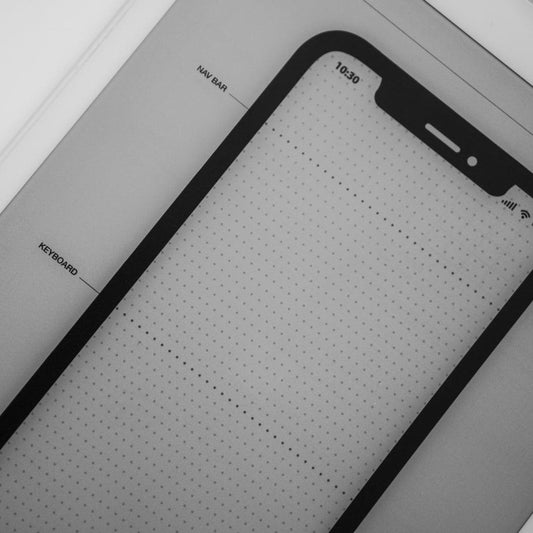
Modello wireframe per smartphone
Prezzo di listino $4.99 USDPrezzo di listino -
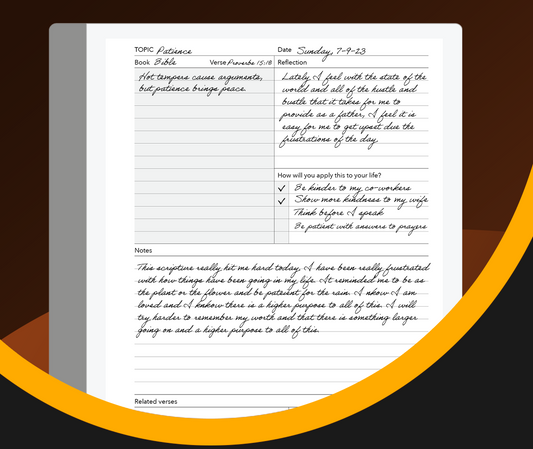
Modello per lo studio delle Scritture
Prezzo di listino $4.99 USDPrezzo di listino -
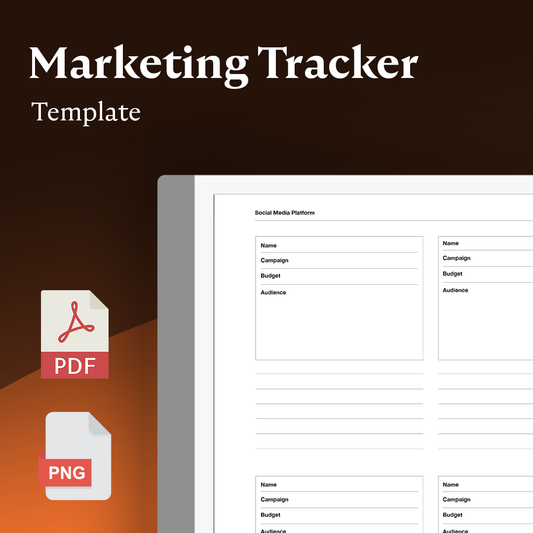
Monitoraggio delle campagne di marketing
Prezzo di listino $4.99 USDPrezzo di listino -
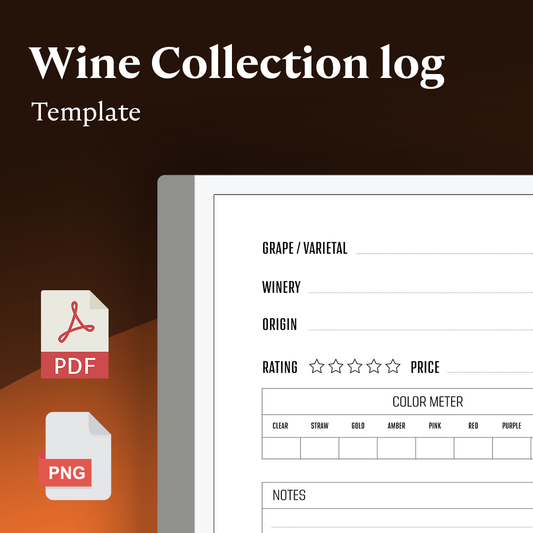
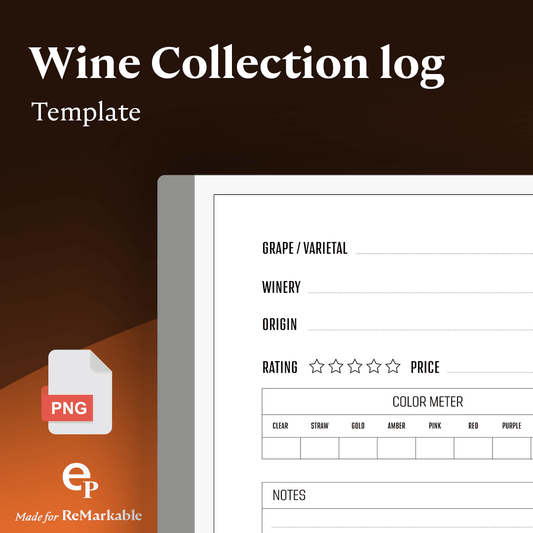
Registro della raccolta dei vini
Prezzo di listino $4.99 USDPrezzo di listino










Essential Apps for Template Installation
-
Ep CalSync App — Vault
Prezzo di listino $48.12 USDPrezzo di listino -
reMarkable Productivity App Bundle
Prezzo di listino $75.24 USDPrezzo di listino -
Programma di installazione modelli Pro (v3)
Prezzo di listino $23.99 USDPrezzo di listino -
Personalizzazione dello schermo (Splash)
Prezzo di listino $13.99 USDPrezzo di listino


