
Planners that work like a notebook — but smarter.
Multi-page PDF planners with built-in navigation and ready-made pages. Drop one onto your reMarkable and start planning — no apps, no setup, no fuss.
What is a digital planner?
A digital planner is a multi-page PDF designed for your reMarkable — like a real planner or notebook, but digital. Each one comes with fixed, ready-made pages and tap-to-jump navigation, so you can move between months, weeks, and sections in a single tap.
- Multi-page PDF with fixed, ready-to-use pages
- Hyperlinked navigation — jump between sections instantly
- Write directly on every page with your Marker

No app required
Planners install natively using the free reMarkable app that comes with your tablet. If you can open a PDF, you're done.
Download your planner
Pick a planner below and download the PDF instantly after checkout.
Open the reMarkable app
Use the free desktop or mobile app that came with your tablet — no extra software needed.
Import & plan
Drag the PDF in and it syncs to your tablet. Tap to navigate, write anywhere.
Planners vs. templates: planners are multi-page PDFs you import with the free reMarkable app — no Binder needed. Templates are single-page backgrounds installed with Binder Cloud. Want calendar events synced in automatically? See CalSync.

Two planners to start with
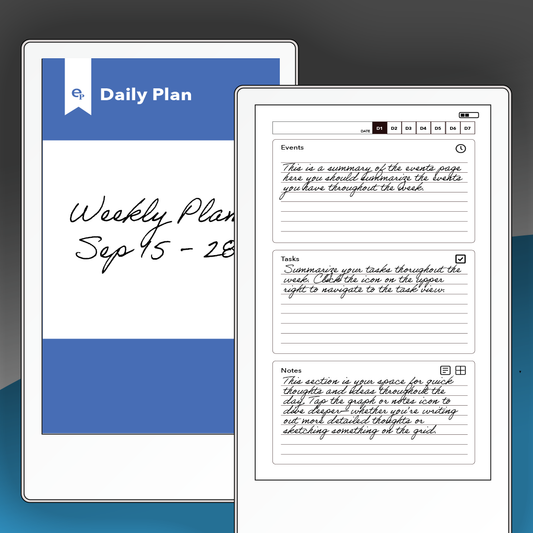
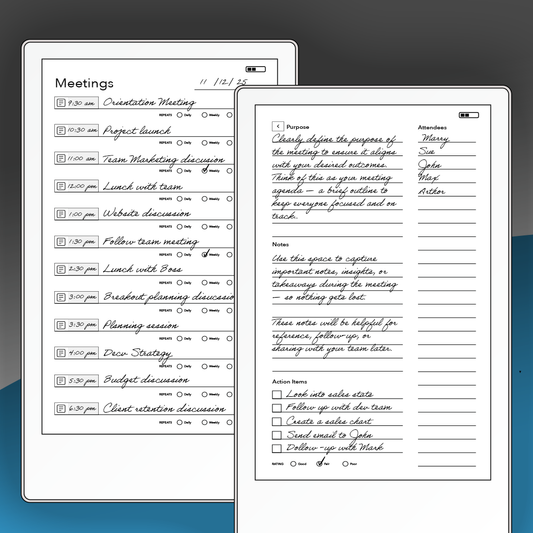
Run better meetings and keep your week in focus — two of our most popular planners, both ready to import in seconds.
Browse all planners
Find the planner that fits how you work below.
-
On the Move Planner
Precio habitual $11.99 USDPrecio habitual -
Focus Planner - Monthly
Precio habitual $8.99 USDPrecio habitual -
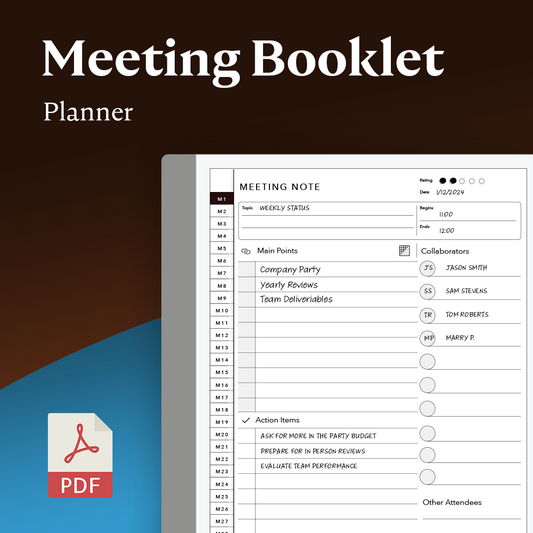
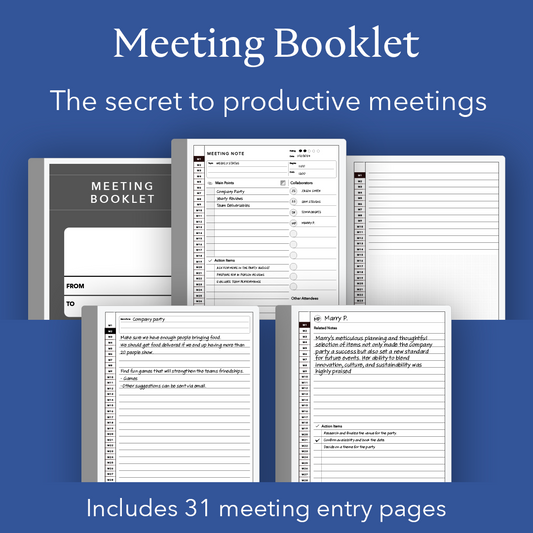
Meeting Booklet
Precio habitual $6.99 USDPrecio habitual -
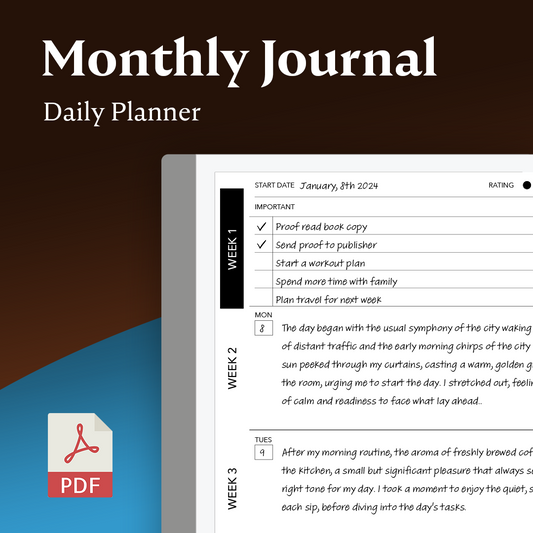
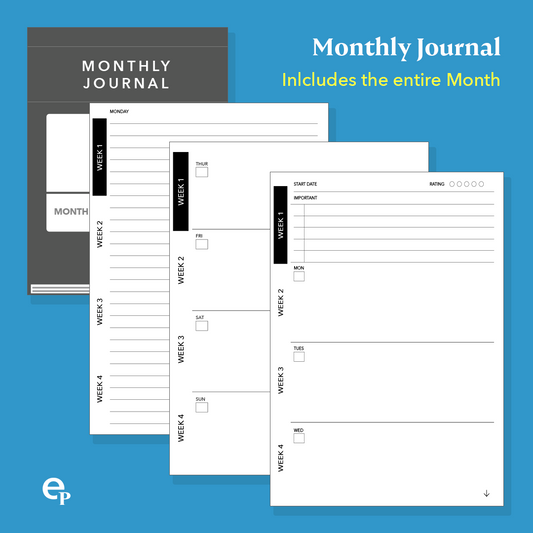
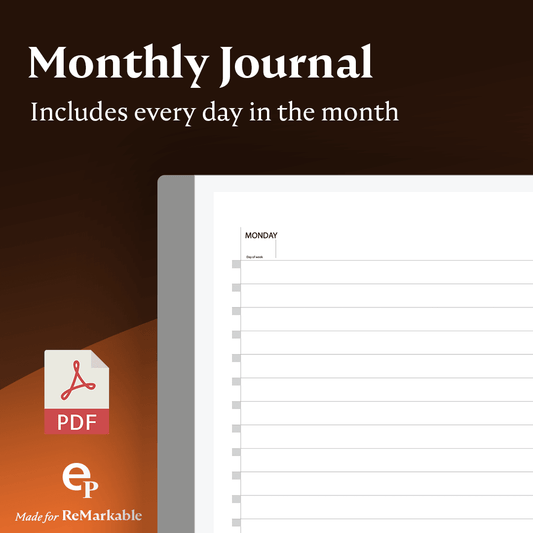
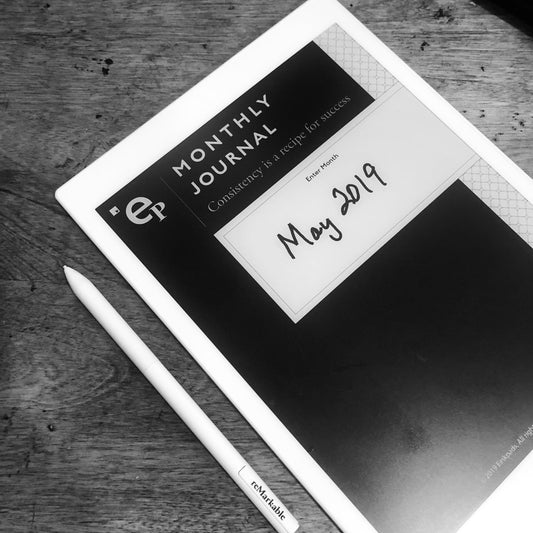
Monthly Journal Planner
Precio habitual $9.99 USDPrecio habitual -
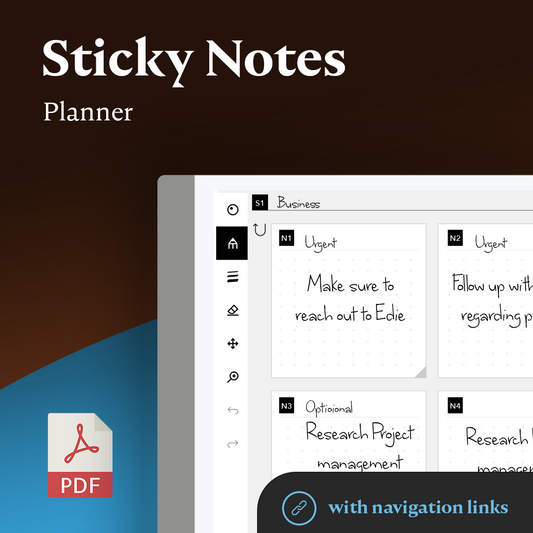
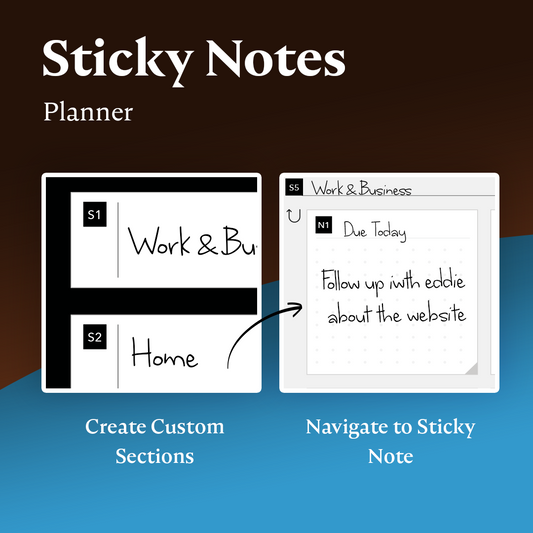
Sticky Notes
Precio habitual $8.99 USDPrecio habitual -
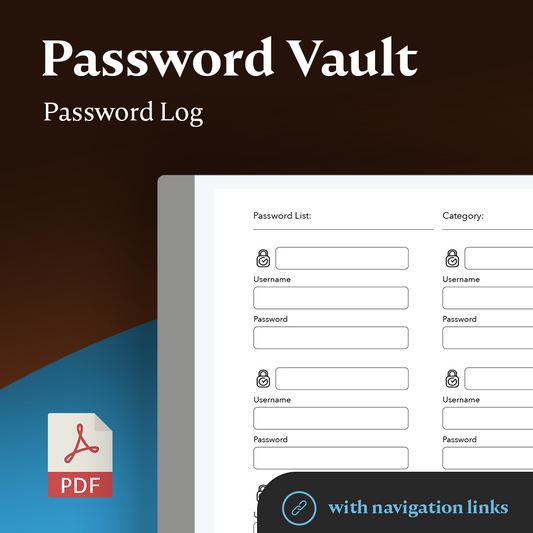
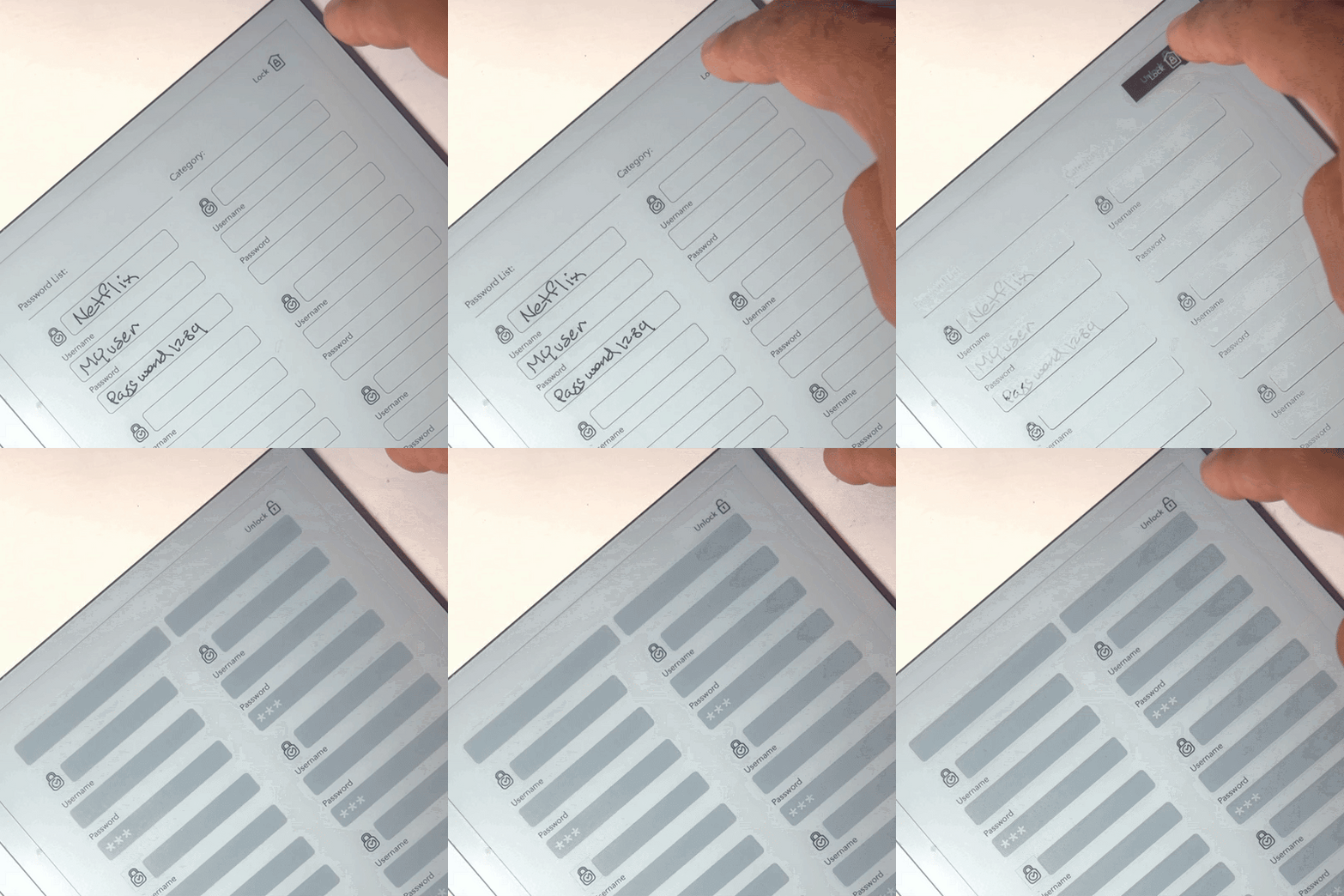
Password Vault
Precio habitual $5.99 USDPrecio habitual -
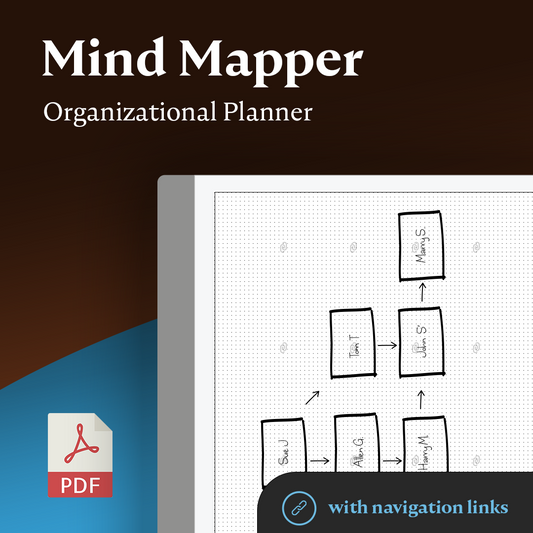
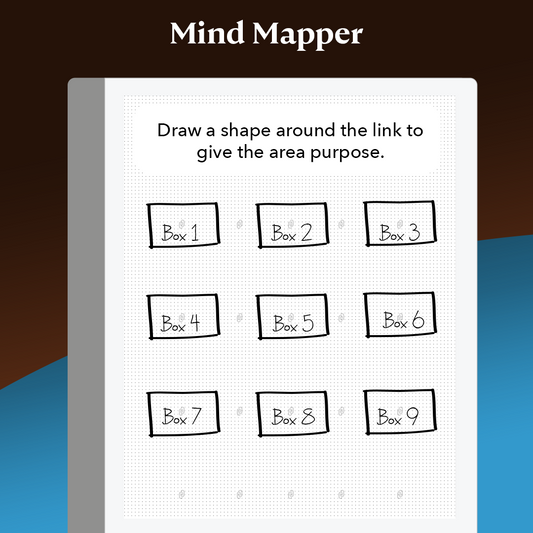
Mind Mapper
Precio habitual $8.99 USDPrecio habitual -
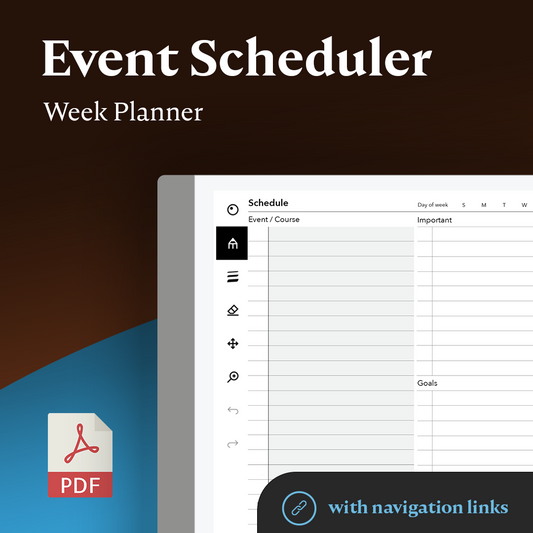
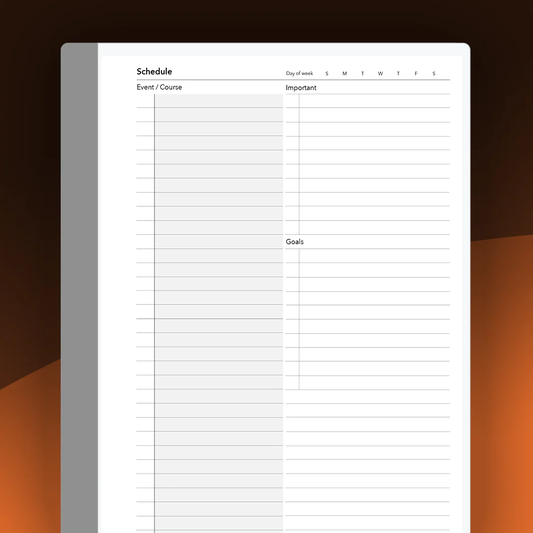
Event Scheduler Planner
Precio habitual $6.99 USDPrecio habitual -
<transcy>reMarkable | Diario mensual</transcy>
Precio habitual $5.99 USDPrecio habitual -
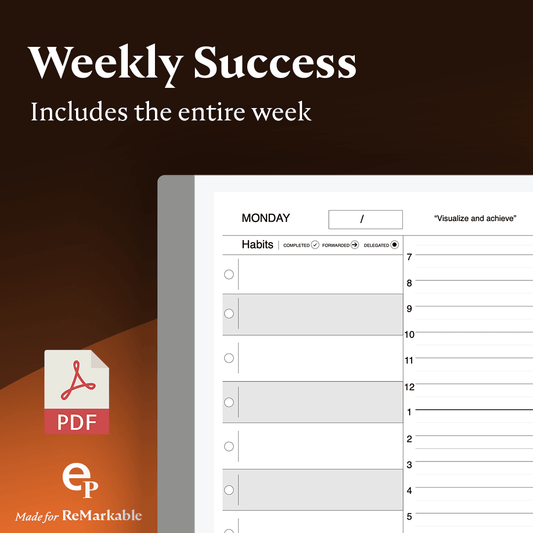
<transcy>reMarkable | Planificador de éxito semanal</transcy>
Precio habitual $5.99 USDPrecio habitual -
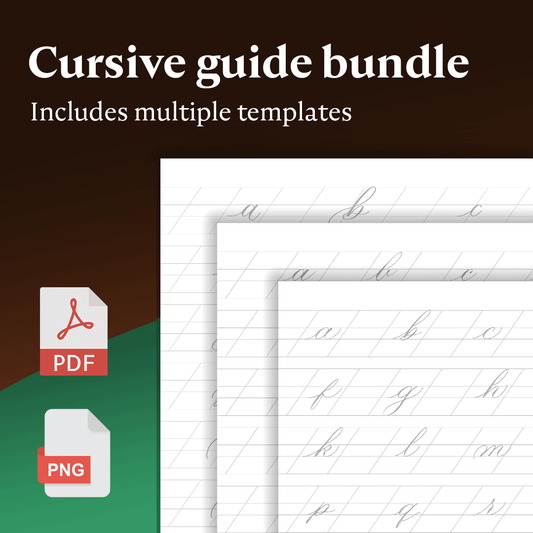
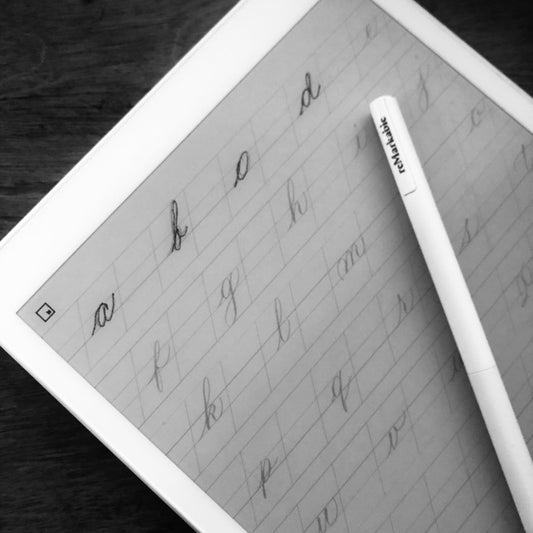
<transcy>reMarkable - Paquete de guía cursiva rastreable</transcy>
Precio habitual $4.99 USDPrecio habitual -
<transcy>Tareas y notas diarias</transcy>
Precio habitual $4.99 USDPrecio habitual$7.99 USDPrecio de oferta $4.99 USDOferta -
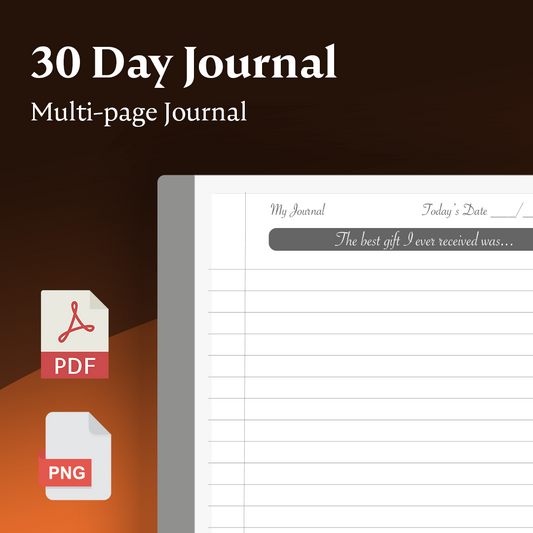
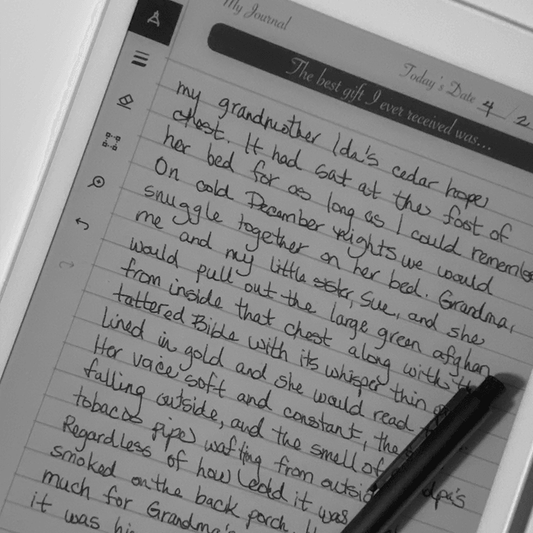
<transcy>reMarkable: 30 días de mensajes de diario</transcy>
Precio habitual $4.99 USDPrecio habitual$0.00 USDPrecio de oferta $4.99 USD -
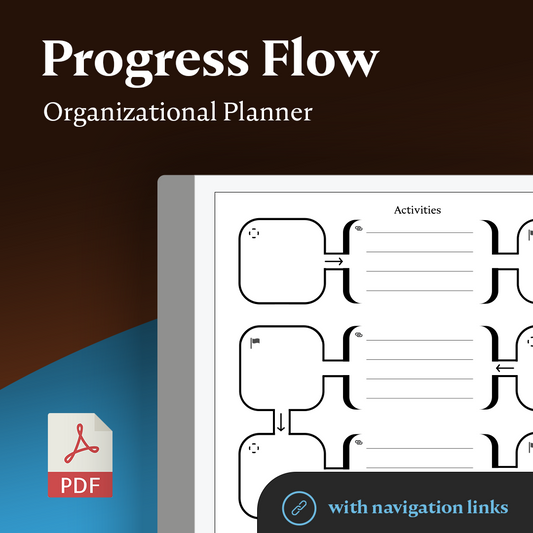
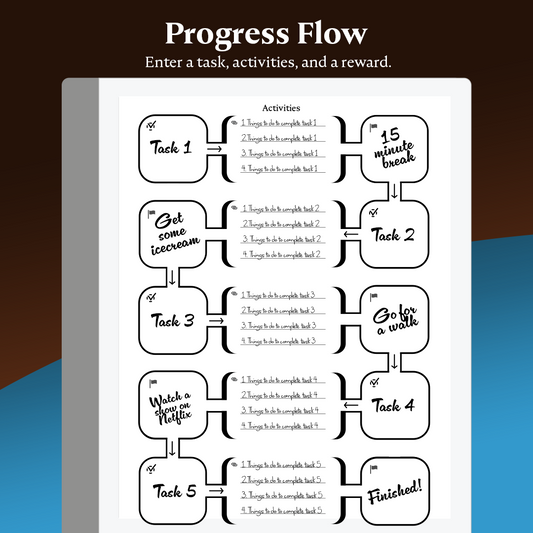
Progress Flow Planner
Precio habitual $6.99 USDPrecio habitual -
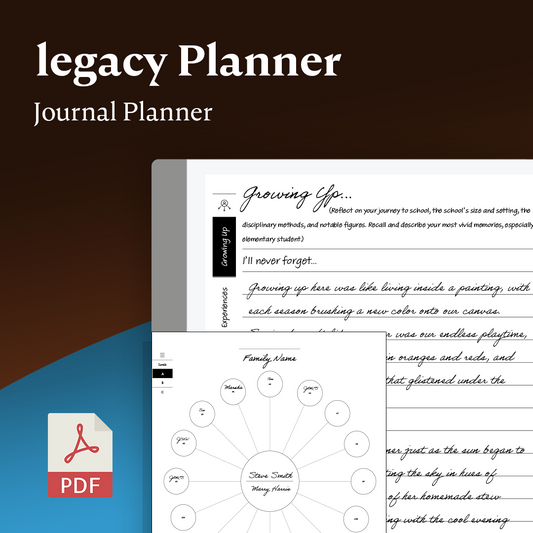
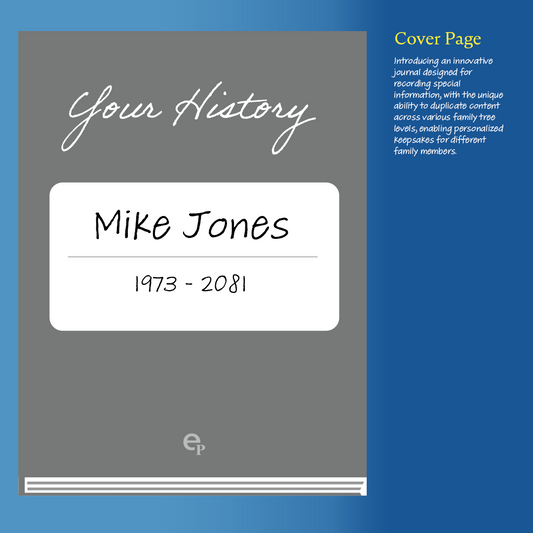
Legacy Journal Planner
Precio habitual $6.99 USDPrecio habitual -
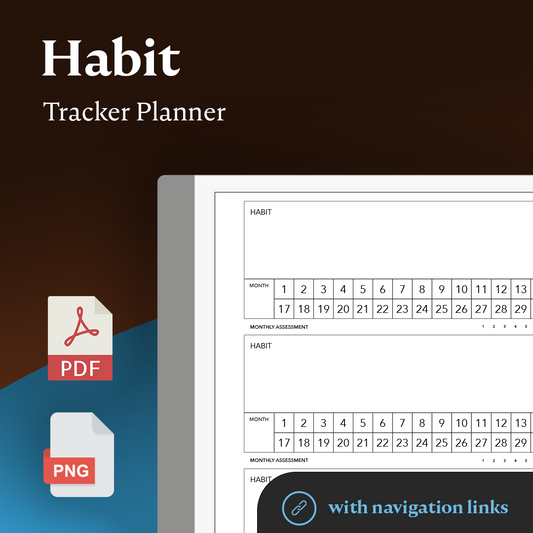
Habit Tracker Planner
Precio habitual $6.99 USDPrecio habitual -
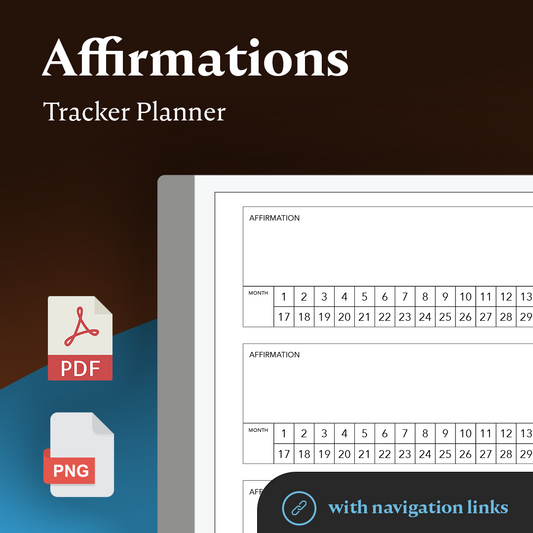
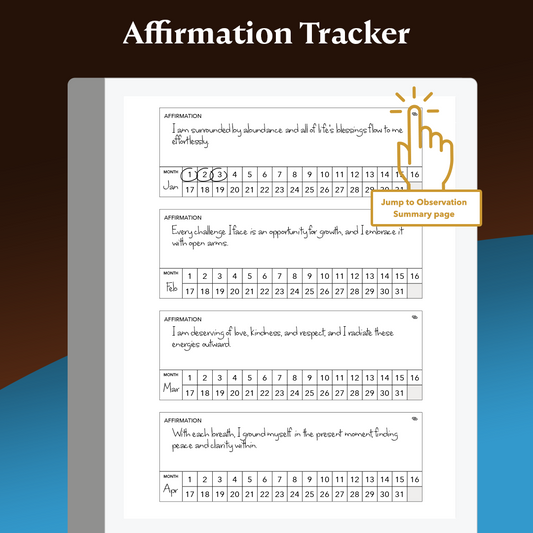
Affirmation Tracker Planner
Precio habitual $6.99 USDPrecio habitual -
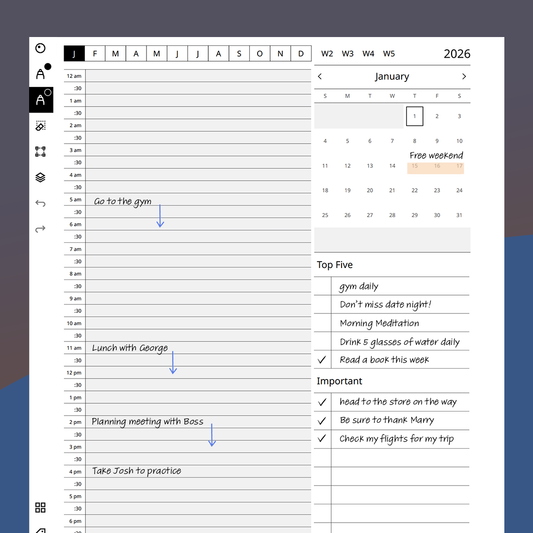
2026 Planificador de calendario diario
Precio habitual $12.99 USDPrecio habitual -
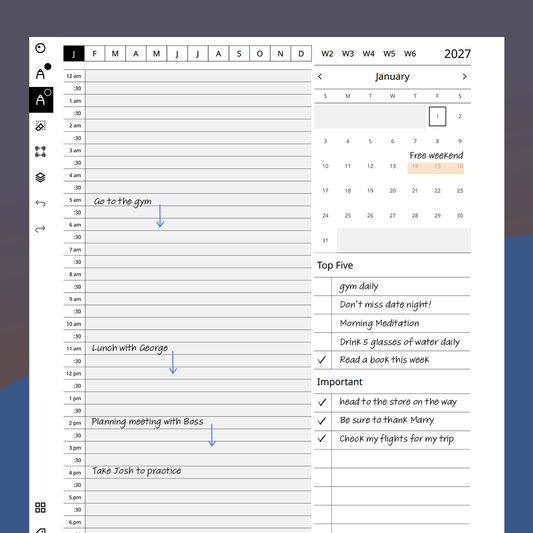
2027 Calendario diario
Precio habitual $12.99 USDPrecio habitual -
On the Move Meeting Booklet
Precio habitual $8.99 USDPrecio habitual -
Time block Daily Template - Hybrid
Precio habitual $5.99 USDPrecio habitual -
Planificador anual de CalSync (ad hoc)
Precio habitual $12.99 USDPrecio habitual









Featured collection
-
On the Move Planner
Precio habitual $11.99 USDPrecio habitual -
Focus Planner - Monthly
Precio habitual $8.99 USDPrecio habitual -
Meeting Booklet
Precio habitual $6.99 USDPrecio habitual -
Monthly Journal Planner
Precio habitual $9.99 USDPrecio habitual -
Sticky Notes
Precio habitual $8.99 USDPrecio habitual -
Password Vault
Precio habitual $5.99 USDPrecio habitual -
Mind Mapper
Precio habitual $8.99 USDPrecio habitual -
Event Scheduler Planner
Precio habitual $6.99 USDPrecio habitual -
<transcy>reMarkable | Diario mensual</transcy>
Precio habitual $5.99 USDPrecio habitual -
<transcy>reMarkable | Planificador de éxito semanal</transcy>
Precio habitual $5.99 USDPrecio habitual