
eInkPads
reMarkable Productivity App Bundle
reMarkable Productivity App Bundle
Couldn't load pickup availability
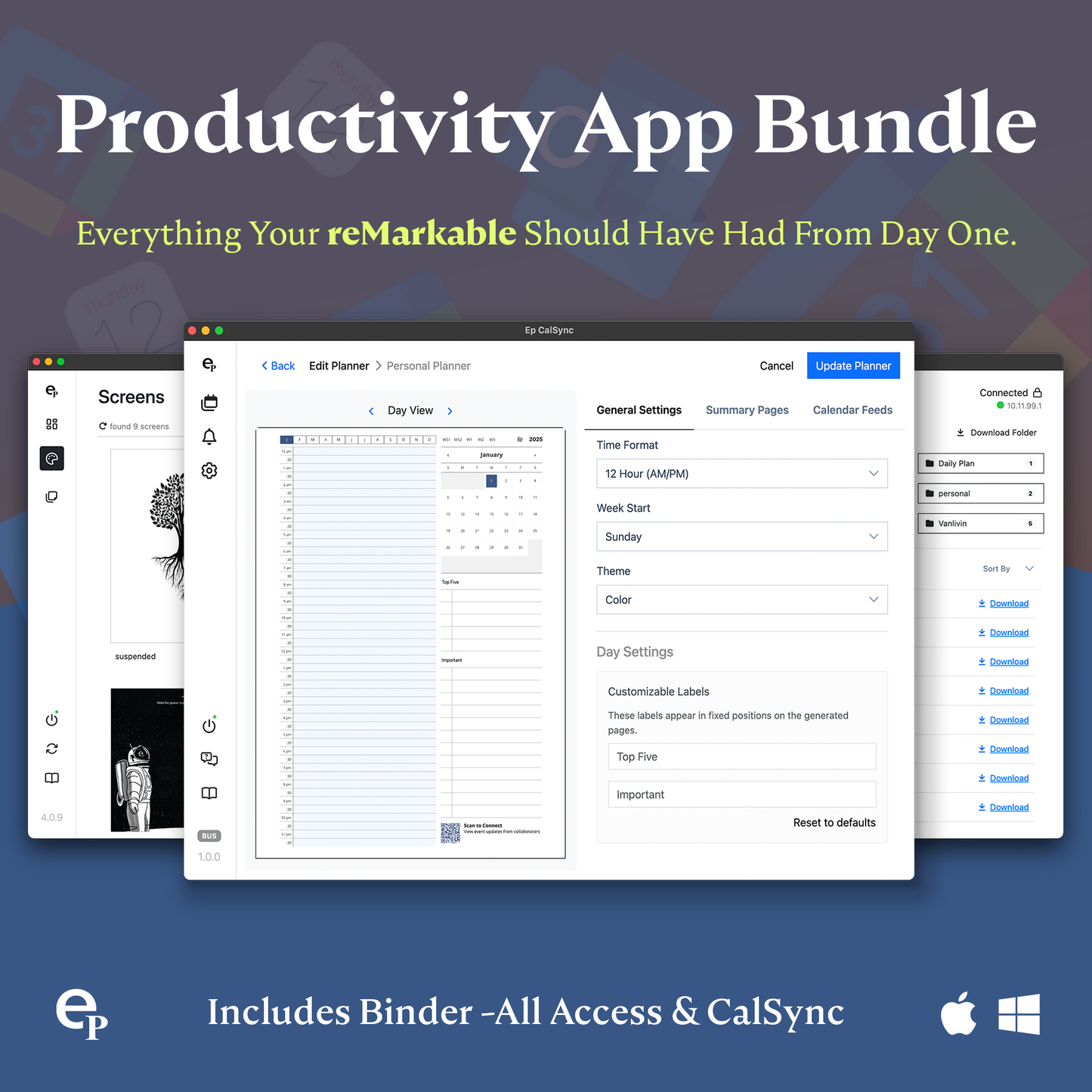
Upgrade your reMarkable with the reMarkable Productivity App Bundle — two powerful tools designed to personalize your device and keep your planners always synced and up to date.
Binder Cloud (All Access License) lets you install custom templates, import new layouts, personalize your startup and sleep screens, and restore your setup even after firmware updates. It gives you the freedom to customize your reMarkable exactly the way you want it.
CalSync lets you generate unlimited planners and sync events from Google, Apple, Outlook, and more directly into your planner — all while keeping your handwritten notes safe when regenerating. Create yearly, monthly, or custom-range planners optimized for all reMarkable devices and push them straight to your tablet.
Together, these apps give you a complete, integrated workflow:
-
Customize your templates and screens with Binder
-
Build synced, always-accurate planners with CalSync
-
Push everything to your reMarkable through a simple, reliable process
Get both apps at 40% OFF for a limited time and transform your reMarkable into a fully personalized, fully synced productivity system.
Template Satisfaction Guarantee - Click for Details
Template Satisfaction Guarantee - Click for Details
If you’re unsatisfied with a purchased template, we’ll offer a free template of equal or lesser value. Limited to one per order.
Helpful Tips
How do I put this on my tablet?
How do I put this on my tablet?
You can import PDFs using the app available at remarkable.com. For PNGs, use either the Template Installer App or our Desktop Manager App (Binder) for installation.
What is the difference between a PDF and a PNG Template?
What is the difference between a PDF and a PNG Template?
A PDF functions like a multi-page notebook, typically featuring fixed navigation. This means you cannot add custom templates to additional pages after creation. In contrast, PNGs serve as templates for alternating page backgrounds throughout your notebook, offering more flexibility to build it according to your needs. PDFs can be imported using the app available at remarkable.com, while PNGs need to be installed using either the Template Installer App or our Desktop Manager App (Binder).
How do I Personalize Screens on my tablet?
How do I Personalize Screens on my tablet?
Personalizing your tablet screens can be a creative way to add personal information for protection in case your tablet is lost or stolen. Include your contact details so someone can reach you to return it. You can also add your logo or a photo of your favorite pet. The possibilities are endless, so feel free to get as creative as you like.
To Install screens you will need our Screen Personalizer App (Splash).
Everything Guaranteed to work on all versions of the Remarkable Tablet
Share